


The kre8or.ai Settings That Actually Give You Oil Painting Texture
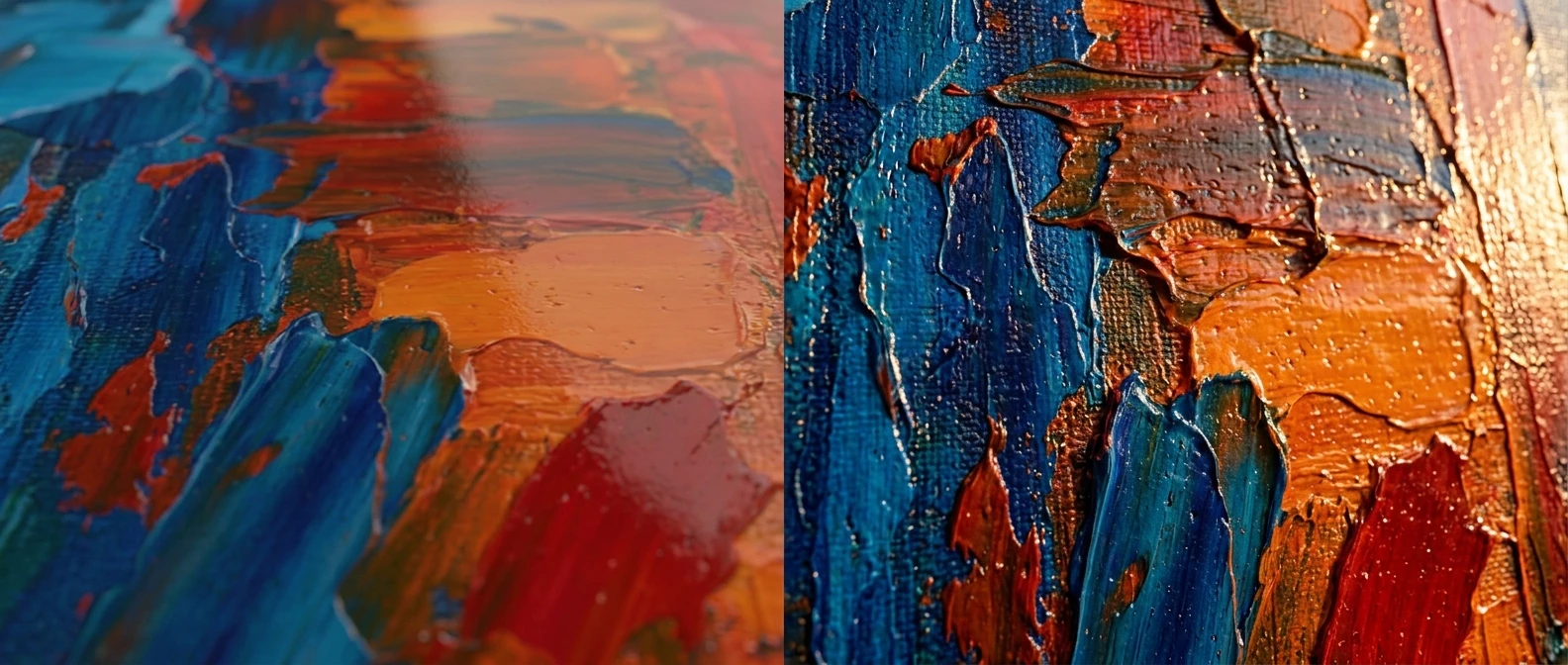
Type “oil painting style” into kre8or.ai and you will get something back. It will have soft edges, warm tones, maybe a canvas-colored background. What it will not have is the thing that makes an oil painting look like an oil painting: the ridge of paint where a brush dragged across the surface, the thick knife-applied highlight catching light at an angle, the sense that a human hand pushed pigment around for hours. You get a digital image wearing an oil painting costume. This article is about closing that gap with specific prompt language and settings, not vague style words.
The keyword people search for when they hit this wall is usually some version of “ai oil painting texture prompts,” and that search exists because the obvious approach does not work. Naming the medium is not the same as describing the medium. Below are the settings and prompt structures that actually push kre8or.ai toward visible brushwork and a traditional paint feel instead of a flat render with an oil filter on top.
Why most “oil painting style” prompts come out looking flat
A diffusion model builds an image from statistical patterns in its training data, and “oil painting” as a phrase gets associated with a huge range of images: Renaissance portraits, modern gallery pieces, cheap mass-produced hotel art, digital paintings that are themselves imitating oil paint. The model averages across all of that. What survives the average is color palette and a general softness. What gets lost is texture, because texture depends on fine, local detail, and averaging erases fine, local detail first.
Think of it like asking someone to describe “a chair” with one word. You get “wooden” or “brown,” not the specific joinery, the grain direction, the worn patch on the armrest. “Oil painting style” is doing the same single-word job. It tells the model a category, not a surface.
The fix is to stop asking for a category and start describing the physical event that created the texture: where the paint is thick, where the brush dragged, where a palette knife scraped, where the canvas weave shows through a thin layer. Those are descriptions of a physical process, and a model trained on millions of images has seen that process photographed and painted thousands of times. It just needs you to ask for the process instead of the label.
The settings that control texture depth in kre8or.ai
Before you touch the prompt itself, three generation settings decide whether texture has any room to appear at all.
Style strength or prompt adherence. This is the setting that decides how closely the output follows your literal wording versus smoothing toward a generic average. Push it toward the higher end of the range when you are chasing texture. A lower setting will often produce a nicer-looking, more conventionally pretty image, and that is exactly the problem: conventional and pretty usually means smooth.
Detail or texture resolution. Most generation panels in kre8or.ai include a slider that governs how much fine surface detail the model is allowed to render before it moves to upscaling. Texture lives in that fine-detail layer. If this is set low to save generation time, you will get the right composition and color with none of the surface information that reads as “physical paint.”
Negative prompt field. This is where you tell the model what to avoid, and for oil painting texture it is doing almost as much work as the main prompt. Use it to push away the flat, polished look directly: terms like smooth, airbrushed, digital art, flat shading, vector, glossy plastic finish belong here. Every one of those is a phrase the model otherwise defaults toward when it is unsure what “painting” means, so naming them as things to avoid closes off the easy, flat path.
If you have not spent time on the basics of structuring a prompt before adjusting settings on top of it, it is worth reviewing the fundamentals of writing prompts that actually work first, because everything below assumes you already know how to build a clean, specific prompt sentence. Texture keywords are an addition to that structure, not a replacement for it.
One more setting worth checking: if kre8or.ai offers a refine or upscale pass as a second step, run it. First-pass generations tend to carry texture information at a coarser level, and a refine pass is often where fine brush ridges and knife marks actually resolve into something visible rather than implied.
Prompt words that trigger visible brushwork and impasto
This is the core of the whole approach: specific, physical vocabulary instead of a style label. Build your prompt around what the paint is doing, not what category the image belongs to.
Start with the application method. Each of these pulls a different texture:
- Impasto or thick impasto texture, for paint applied so heavily it stands up off the canvas in ridges. This is the single highest-value word in this whole article if your goal is visible texture, because it has a strong, consistent meaning across the training data: raised, dimensional paint.
- Palette knife strokes or knife-applied highlights, for flat-edged, scraped sections of color, often used for skies, water, or bright highlights.
- Visible brushstrokes or loaded brush, for directional ridges where a brush carried a lot of paint and dragged it across the surface.
- Dry brush texture, for a scratchier, broken look where less paint catches only the raised parts of the canvas weave.
- Wet-on-wet blending, for soft transitions where two colors were mixed directly on the canvas rather than layered after drying.
Then describe where the thickness sits in the image, because real paintings are not uniformly thick. A painter loads the brush heavily for a highlight and thins it out for a shadow or background. Try phrasing like “thick impasto highlights on the [subject], thin glazed shadows” so the model has permission to vary texture depth across the image instead of applying one uniform filter.
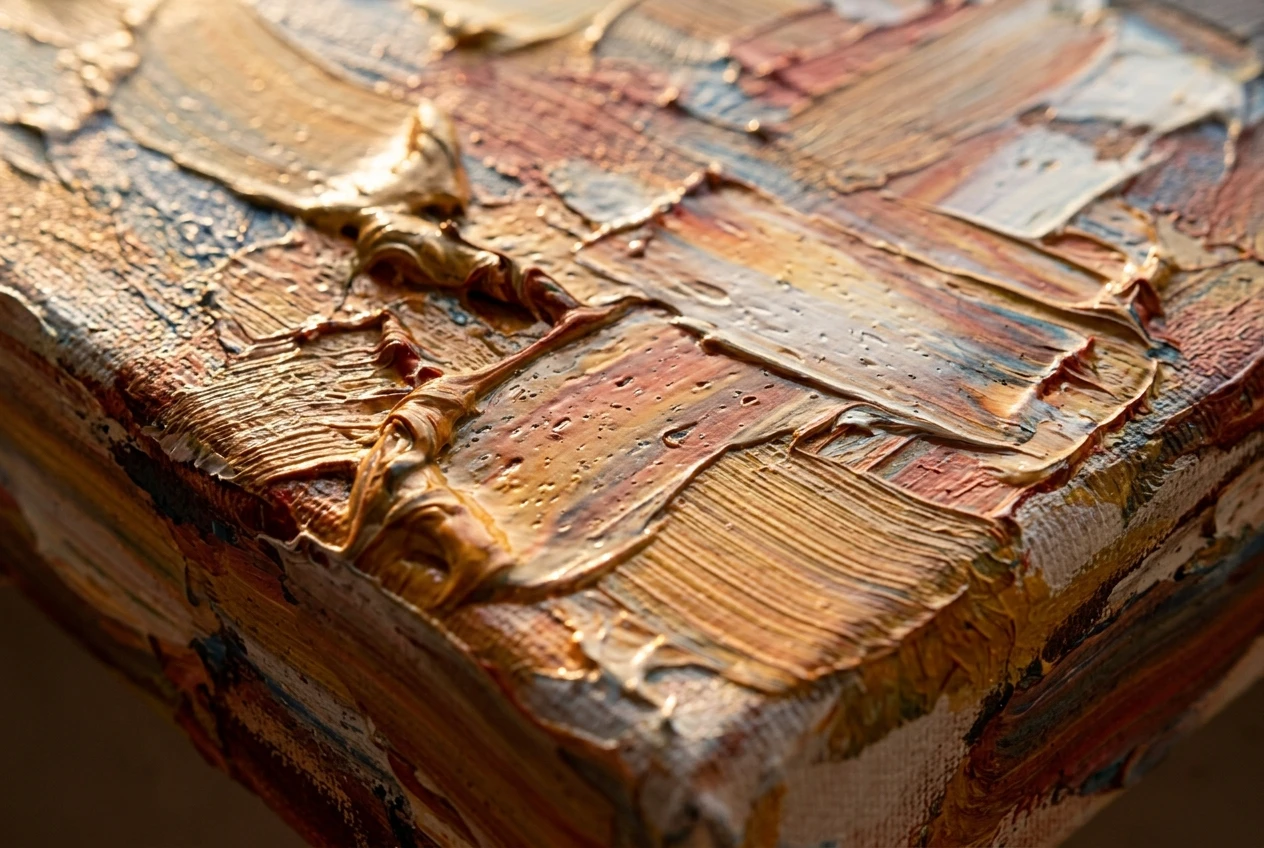
Add a direction word if you want the brushwork to read as deliberate rather than random: “horizontal palette knife strokes across the sky,” “short diagonal brushstrokes building the fur texture.” Direction is one of the strongest visual cues that paint was physically dragged by a hand, and it costs you nothing to specify.
A sample texture-focused clause you can drop into almost any subject prompt:
“thick impasto brushwork, visible palette knife marks in the highlights, loaded brush texture, paint ridges catching light, canvas weave visible through thin passages”
Notice none of that says “oil painting.” It does not need to. The model will arrive at oil paint because that is the medium this vocabulary describes, and it will arrive there with texture intact because you described the texture instead of naming the destination.
Mimicking specific painters without naming a living artist’s style
A lot of guides tell you to drop a famous name into the prompt to borrow a visual style. Setting aside the ethical and platform-policy problems with naming a living artist, it is also not the most reliable technique, because a single name can pull in that artist’s subject matter and composition choices along with the texture you actually wanted.
A better approach is to describe the technique associated with a movement or era rather than a person. This gives you the texture quality without the baggage:
- For thick, physical surface texture reminiscent of post-impressionist work, try “thick impasto, visible directional brushstrokes, expressive color application, textured surface built up in layers.”
- For the glossy, dark-toned depth of old master portraiture, try “glazed oil technique, deep chiaroscuro lighting, subtle visible brushwork beneath a smooth varnished finish.”
- For a looser, modern painterly feel, try “loose confident brushwork, visible underpainting at the edges, textured canvas showing through thin color.”
Each of these describes a technique, a historical approach to applying paint, not a named individual. That keeps the prompt focused on the physical result you are after and keeps you clear of copying a specific person’s recognizable style.
If you do want to reference a period, pairing the technique language with a loose era descriptor, like “early 20th century painterly technique,” gives the model useful context without pointing at one artist’s catalog.
Layering canvas and varnish texture for a finished gallery look
Brushwork gets you most of the way there, but two more layers push a render from “has texture” to “looks like it is hanging in a gallery”: the canvas underneath the paint, and the varnish on top of it.
Canvas texture. Real oil paintings are applied to a woven surface, and that weave shows through in thin passages, in the background, and along the edges where paint coverage is lightest. Add phrases like “fine linen canvas texture visible in the background” or “coarse canvas weave showing through thin paint layers” to your prompt. This detail matters most in areas of the image that are not the main subject, since that is where real paintings show the least paint coverage and the most raw material underneath.
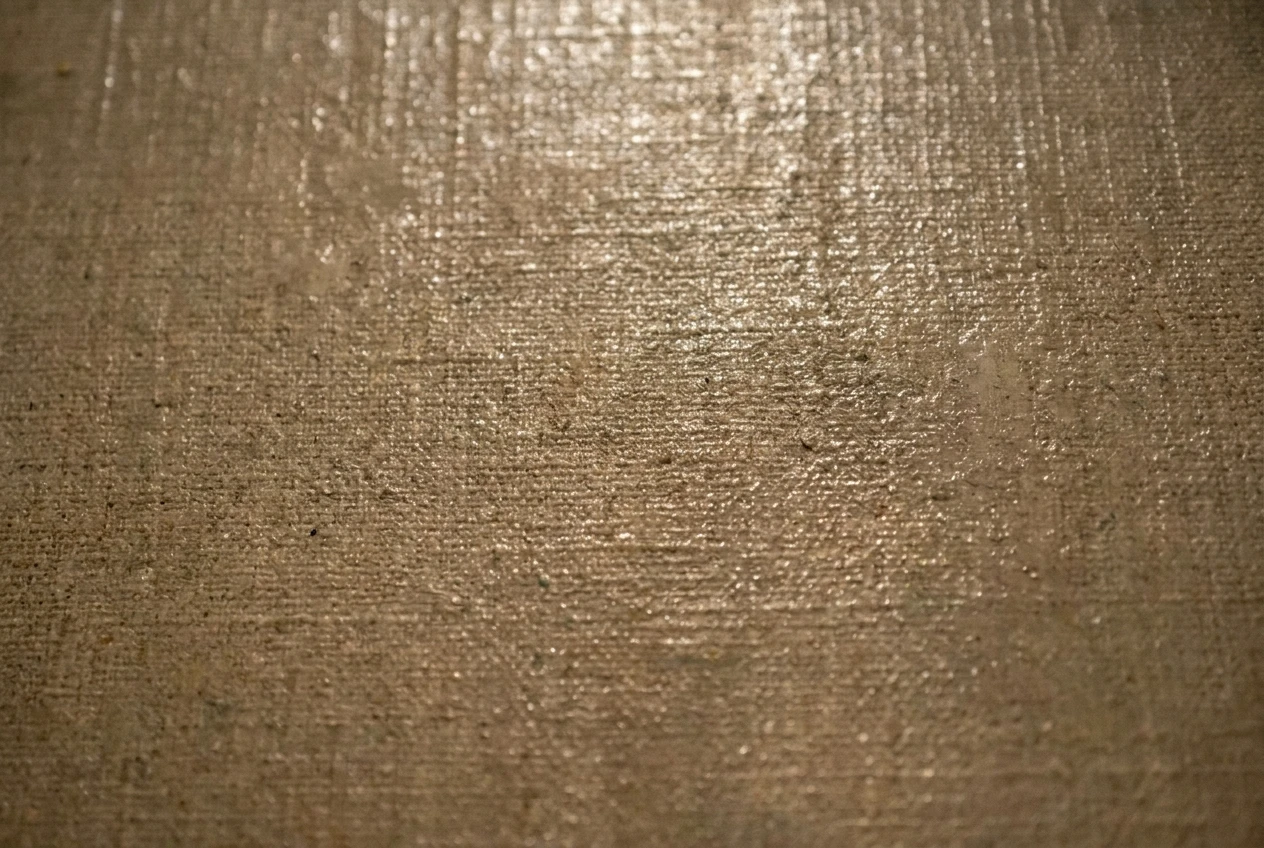
Varnish and surface sheen. A finished oil painting usually has a varnish layer that creates subtle, uneven shine, catching light differently depending on the angle and the thickness of paint beneath it. Phrases like “subtle varnish sheen,” “uneven glossy highlights,” or “light catching raised paint ridges” help the model render that inconsistent reflectivity instead of either a completely matte finish or a uniform digital gloss.
Craquelure, used sparingly. If you want an aged, classical-painting look rather than a fresh contemporary one, “fine craquelure in the varnish” adds the hairline cracking pattern that appears on older paintings. Use this only when the subject calls for an aged or classical feel, because it will read as odd on a modern or stylized subject.
Framing and presentation context. Adding “gallery lighting” or “museum presentation” to the end of a prompt can subtly shift the model’s interpretation of the whole image toward a finished, presented artwork rather than a work-in-progress or a flat illustration, since gallery-lit photographs of paintings carry their own consistent lighting signature in the training data: directional, warm, slightly uneven across the canvas.
Combine all three layers and a texture-focused oil painting prompt starts to look like this in full:
“portrait of [subject], thick impasto brushwork, visible palette knife highlights, loaded brush texture on the face and shoulders, fine linen canvas texture visible in the background, subtle uneven varnish sheen, warm gallery lighting”
That is a lot more words than “oil painting style,” and that is exactly the point. Every added phrase is giving the model a specific, physical detail to render instead of asking it to guess at a category.
Common mistakes that flatten your painting texture back out
Even with the right prompt vocabulary, a few habits will undo the work and push the render back toward flat and digital.
Overusing smoothing or beauty-pass settings. If kre8or.ai or any post-processing step you run includes a face-smoothing, skin-retouching, or noise-reduction pass, run it with caution on painting-style work. These passes are built to remove the exact kind of fine, irregular detail that reads as brushwork. A smoothing pass that looks great on a photographic portrait will erase paint ridges and canvas weave on a painting render.
Requesting “high detail” without texture-specific words. “High detail” on its own tends to push the model toward sharper edges and crisper small elements, like individual eyelashes or fabric threads, rather than toward thick, irregular paint texture. Detail and texture are not the same request. Pair a detail request with the texture vocabulary above rather than relying on it alone.
Stacking too many conflicting technique words. A prompt that asks for “impasto, dry brush, wet-on-wet, glazing, and palette knife” all at once gives the model contradictory instructions about how thick and how blended the paint should be. Pick one or two primary techniques for the main subject and let secondary techniques apply only to specific areas you name separately.
Choosing a subject with very flat, even lighting. Texture reads through light and shadow. A paint ridge is only visible because light hits one side of it and shadow falls on the other. If your lighting description calls for flat, even, shadowless light, you are removing the visual cue that texture needs to be seen at all. Pair texture prompts with directional, warm, or raking light descriptions rather than flat studio lighting.
Not checking the negative prompt field. It is easy to set up a negative prompt once and reuse it across unrelated projects. If an old negative prompt still has “texture” or “rough” or “grain” sitting in it from a different project, it will actively fight the painting texture you are trying to build now. Check it every time you switch toward a paint-texture goal.
Over-upscaling with a sharpening-heavy algorithm. Some upscalers prioritize edge sharpness over surface irregularity, which can turn soft paint ridges into crisp, almost cartoon-like edges, flattening the organic unevenness that made it look painted in the first place. If your upscale pass is undoing the texture rather than resolving it more clearly, try a lower sharpening setting or a different upscale method within kre8or.ai’s options.
Three starter prompts to copy and adjust
These three are built with the structure covered above: subject, application technique, surface layer, and light. Copy one, swap the subject, and keep the texture language intact.
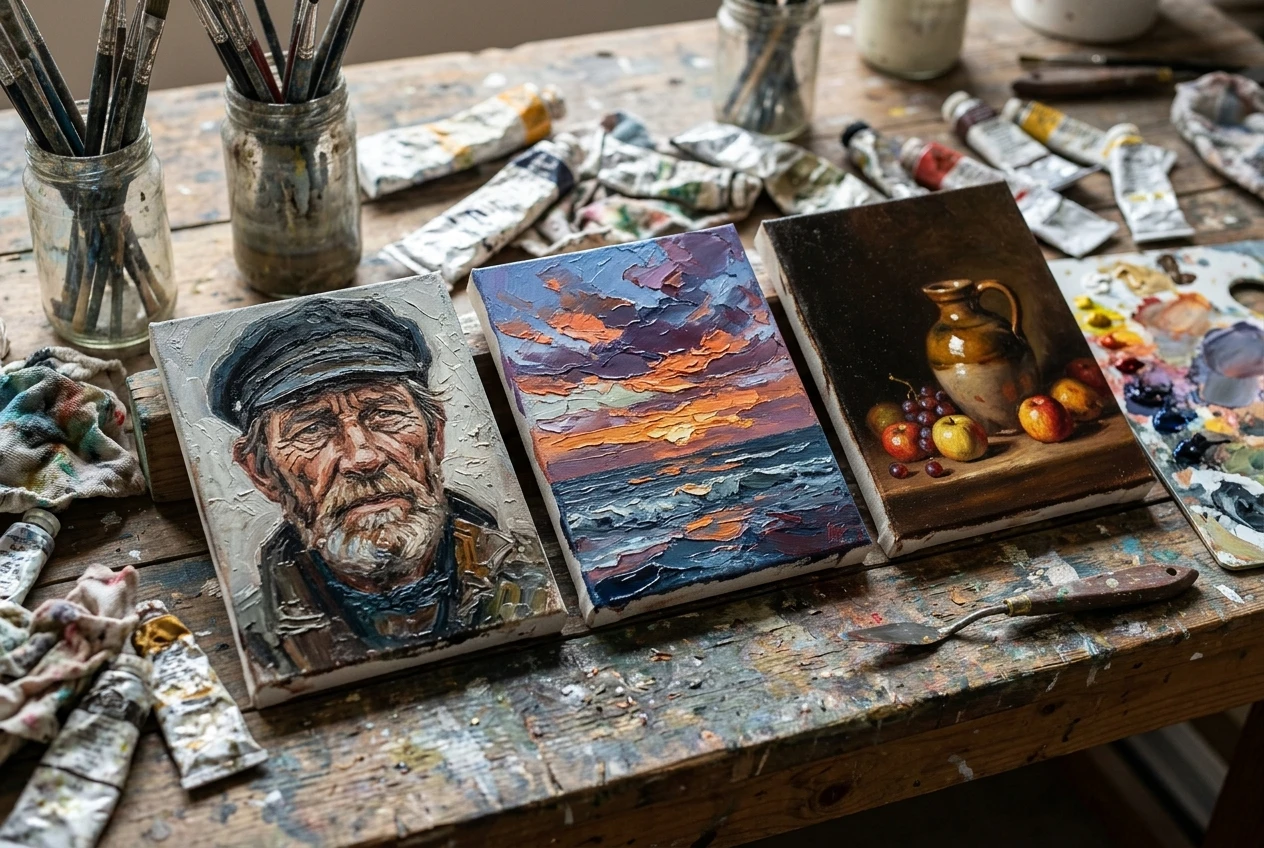
Portrait, thick and expressive: “portrait of an elderly fisherman, thick impasto brushwork, loaded brush texture across the face and hands, visible palette knife highlights on the weathered skin, fine canvas weave visible in the background, warm directional light, subtle varnish sheen”
Landscape, palette knife focused: “coastal cliff landscape at sunset, bold palette knife strokes across the sky and water, thick impasto clouds catching golden light, textured canvas visible along the horizon, uneven varnish sheen, museum presentation lighting”
Still life, classical and glazed: “still life of fruit and a ceramic jug on a wooden table, glazed oil technique, deep chiaroscuro lighting, subtle visible brushwork beneath a smooth varnished finish, fine craquelure in the varnish, warm gallery lighting”
Run each one through with style strength and texture or detail resolution pushed toward the higher end of their ranges, and keep smooth, airbrushed, digital art, and flat shading in your negative prompt field. Adjust the subject, swap one technique word for another from the lists above, and watch how much the texture changes with a single word change. That is the fastest way to build an intuition for which phrase does what.
Ready to see your first impasto texture render? Open kre8or.ai and try one of the starter prompts above on a free account.