


How to Get a Watercolor Landscape Look in kre8or.ai
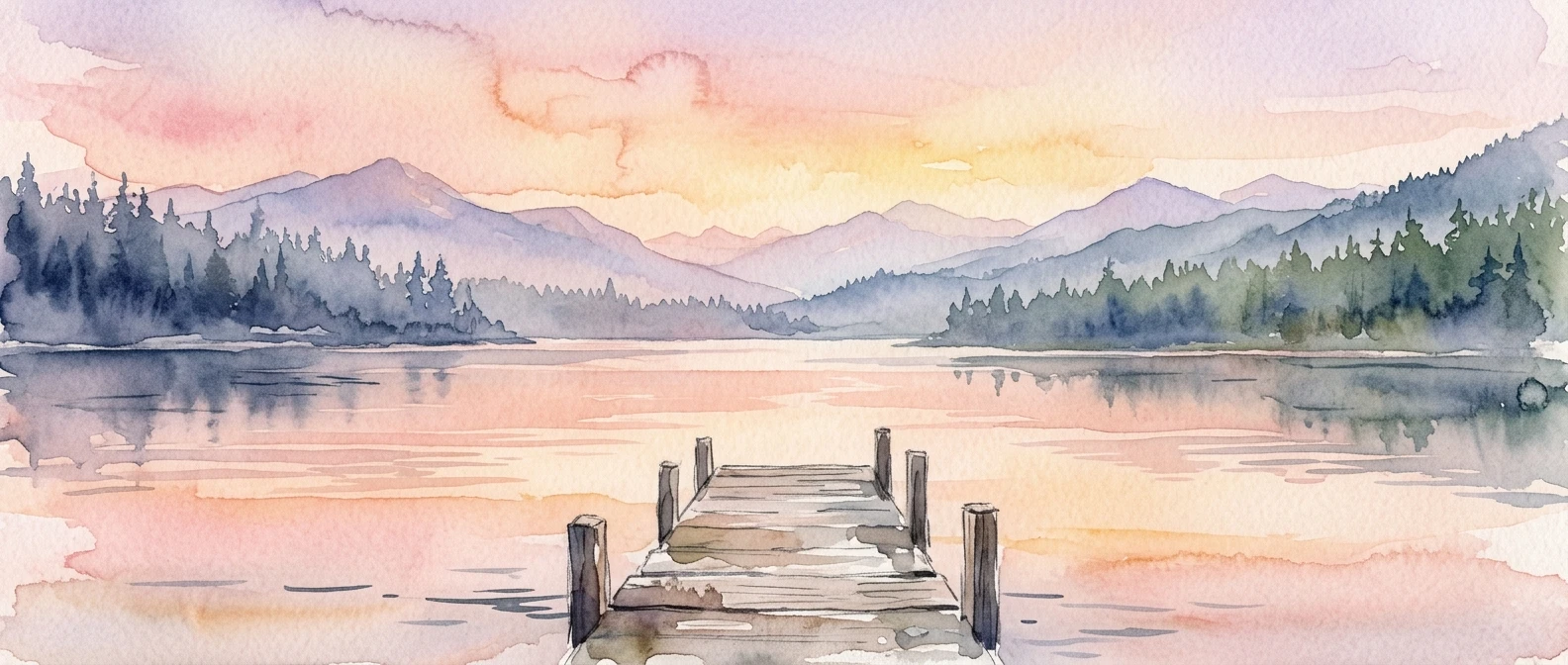
The word “watercolor” does a lot of work in an AI art prompt, and most of that work gets undone by one or two extra words sitting right next to it. Type “watercolor landscape” into kre8or.ai and you’ll often get a digital painting with watercolor-ish colors rather than an actual watercolor: hard edges, flat saturation, no paper texture, nothing that looks like pigment meeting water. The fix isn’t a secret setting. It’s a specific combination of subject choice, medium language, and a few modifiers that tell the model what a watercolor painting actually looks like at the level of brushwork and paper. This walkthrough gives you that combination, prompt by prompt, so you can build a watercolor landscape that holds up the first time.
What makes a prompt read as watercolor instead of digital painting
A watercolor painting has three things a digital painting doesn’t: translucent washes that let the paper show through, soft or bleeding edges where colors meet, and visible texture from the paper itself. If your prompt doesn’t name at least two of those three, the model defaults to its most common training association for “watercolor,” which is often just a muted color palette applied to an otherwise digital-looking image.
This matters because the words you choose aren’t decoration. Each one is a signal the model weighs against millions of training examples, and vague signals get averaged into something generic. “Watercolor” alone is a vague signal. “Watercolor painting, soft bleeding edges, visible paper grain, transparent washes” is four specific signals pointing the same direction, and the model has a much narrower, more consistent set of images to draw from.
The goal in every section below is to replace one vague word with two or three specific ones that all describe the same physical medium. That redundancy is what makes the style stick instead of fading into “painting-flavored photo.”
The base prompt structure: subject, medium, and light
Every reliable watercolor landscape prompt follows the same skeleton: subject first, medium and technique second, light and atmosphere third. Keep them in that order and keep each part short enough that no single idea gets buried.
Subject means the actual scene: a coastal cliff, a row of birch trees, a mountain lake at dawn. Medium means the explicit statement that this is a watercolor painting, plus the texture words from the section above. Light means the time of day and the quality of light, because light is what gives a watercolor its mood and its color temperature.
A bare-bones version looks like this:
“A quiet lake surrounded by pine trees, watercolor painting, soft edges, visible paper texture, golden hour light, warm glow on the water”
Notice that the subject is concrete (a quiet lake, pine trees) rather than abstract (“a peaceful nature scene”). Concrete subjects give the model something to render; abstract ones give it something to guess at, and guessing is where muddiness creeps in. If you want a broader primer on how word order and specificity shape results across any subject, not just landscapes, the piece on how to write AI art prompts that actually work walks through the same logic in more general terms.
Once you have that three-part skeleton, every other modifier in this article slots into the medium section. You’re not rewriting the structure, you’re just making the medium portion more precise.
Choosing your landscape subject so the style has room to breathe
Watercolor rewards simplicity. The style is built on big, soft shapes and a limited number of color transitions, so a landscape with too many competing details fights the medium instead of showcasing it. A dense forest with fifty individually rendered leaves, a city skyline with forty windows, a mountain range with every ridge picked out in detail: all of these push the model back toward sharp, digital rendering just to keep up with the information you asked for.
Subjects that work well for watercolor:
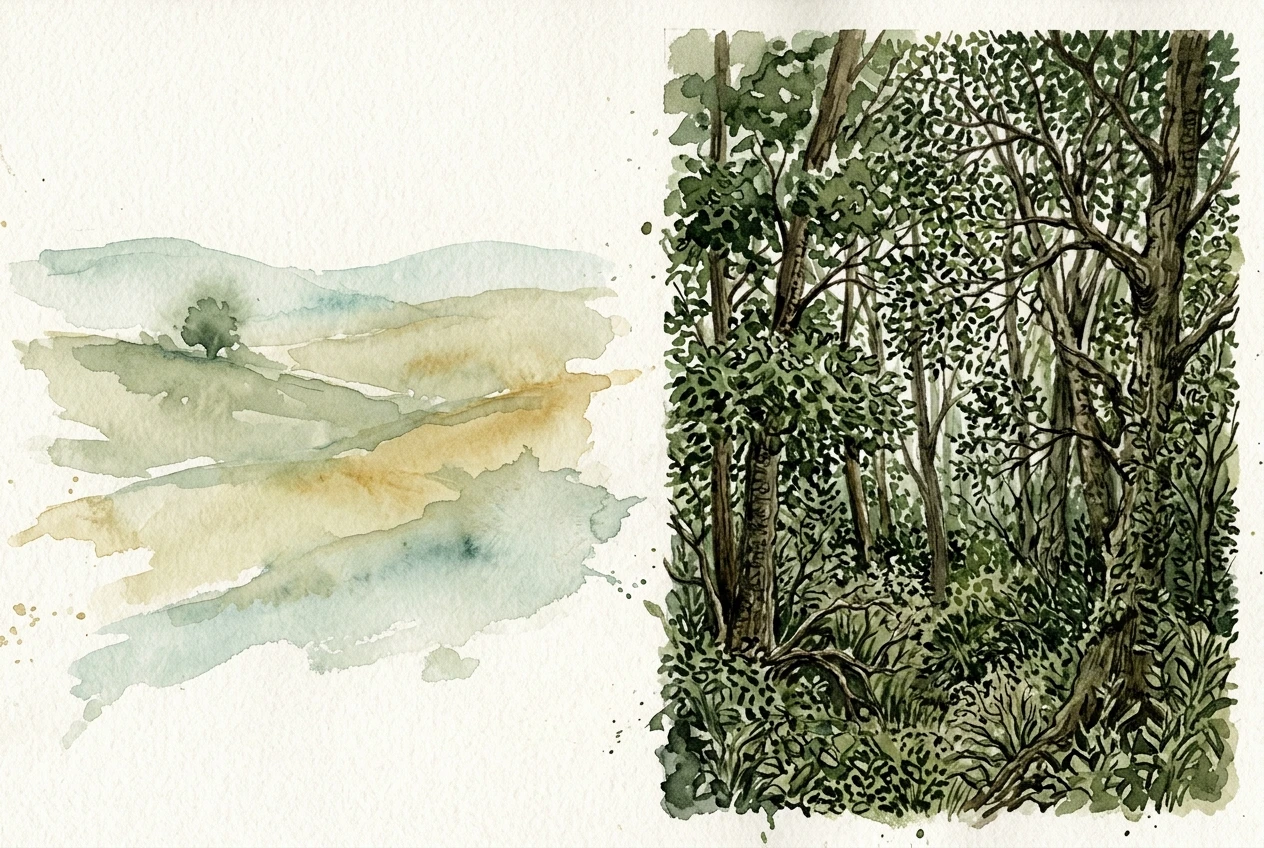
- Open water: lakes, coastlines, calm rivers. Water in watercolor paintings often looks the most convincing because real watercolor washes already resemble water.
- Rolling hills or fields with one or two focal points, like a single tree or a distant farmhouse.
- Mountains seen from a distance, where detail naturally softens with atmospheric haze.
- Simple architectural elements inside a landscape: a lighthouse, a cottage, a bridge, placed small against a larger scene.
Subjects to simplify or avoid at first:
- Dense forests with many individual trees in the foreground.
- Busy skylines or anything with repeating small geometric detail.
- Scenes that depend on fine texture, like a field of wildflowers rendered one bloom at a time.
If you have a subject in mind that falls into the second list, you don’t have to drop it. Just push it into the background or describe it in aggregate terms (“a distant tree line” rather than “a forest of oak and birch trees”) so the model renders it as a soft mass of color instead of a collection of hard-edged objects.
The exact modifiers that trigger soft edges and paper texture
This is the part of the prompt that does the heaviest lifting, and it’s worth memorizing rather than improvising each time. The following phrases, used together, consistently push kre8or.ai toward a watercolor look rather than a digital one:
- “soft bleeding edges” or “wet-on-wet technique” — tells the model that colors should blend into each other rather than stop at a clean line.
- “visible paper texture” or “cold press paper grain” — introduces the slightly rough, fibrous surface that distinguishes watercolor from smooth digital gradients.
- “loose brushwork” — signals that shapes should be suggested rather than precisely outlined.
- “transparent washes” — reinforces that color should look layered and see-through rather than opaque.
- “light pencil sketch visible beneath paint” — an optional addition that mimics how many traditional watercolorists leave faint underdrawing visible, which adds authenticity without adding busyness.
You don’t need all five in every prompt. Three is usually enough: one edge descriptor, one texture descriptor, and one technique descriptor. Using all five sometimes crowds the prompt and gives the model too many competing instructions, so treat this as a menu rather than a checklist you must fully complete.
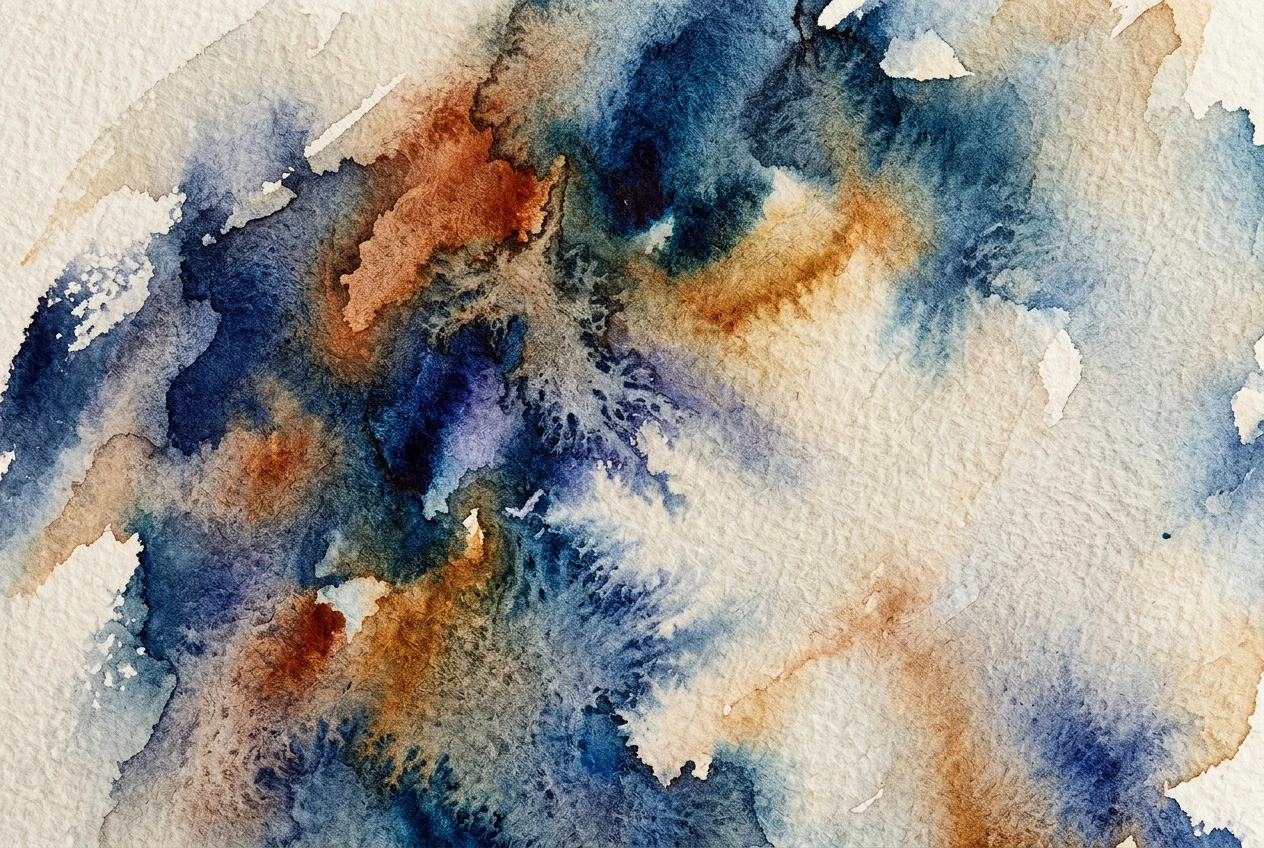
What you should avoid in this section is anything that implies hard lines or high detail, even if it’s meant to describe the subject rather than the style. Words like “sharp focus,” “highly detailed,” “intricate,” and “photorealistic” actively work against everything you just asked for. If you catch yourself adding one of these out of habit, from a template used for other styles, cut it.
Color and palette language that keeps washes looking transparent
Watercolor’s second signature, after soft edges, is color that looks thin rather than solid. Real watercolor pigment is always mixed with water, so even the darkest areas of a painting let some light and paper show through. Your prompt needs to say this directly, because the model’s default instinct for “landscape” often leans toward fully saturated, opaque color blocks.
Useful palette phrases:
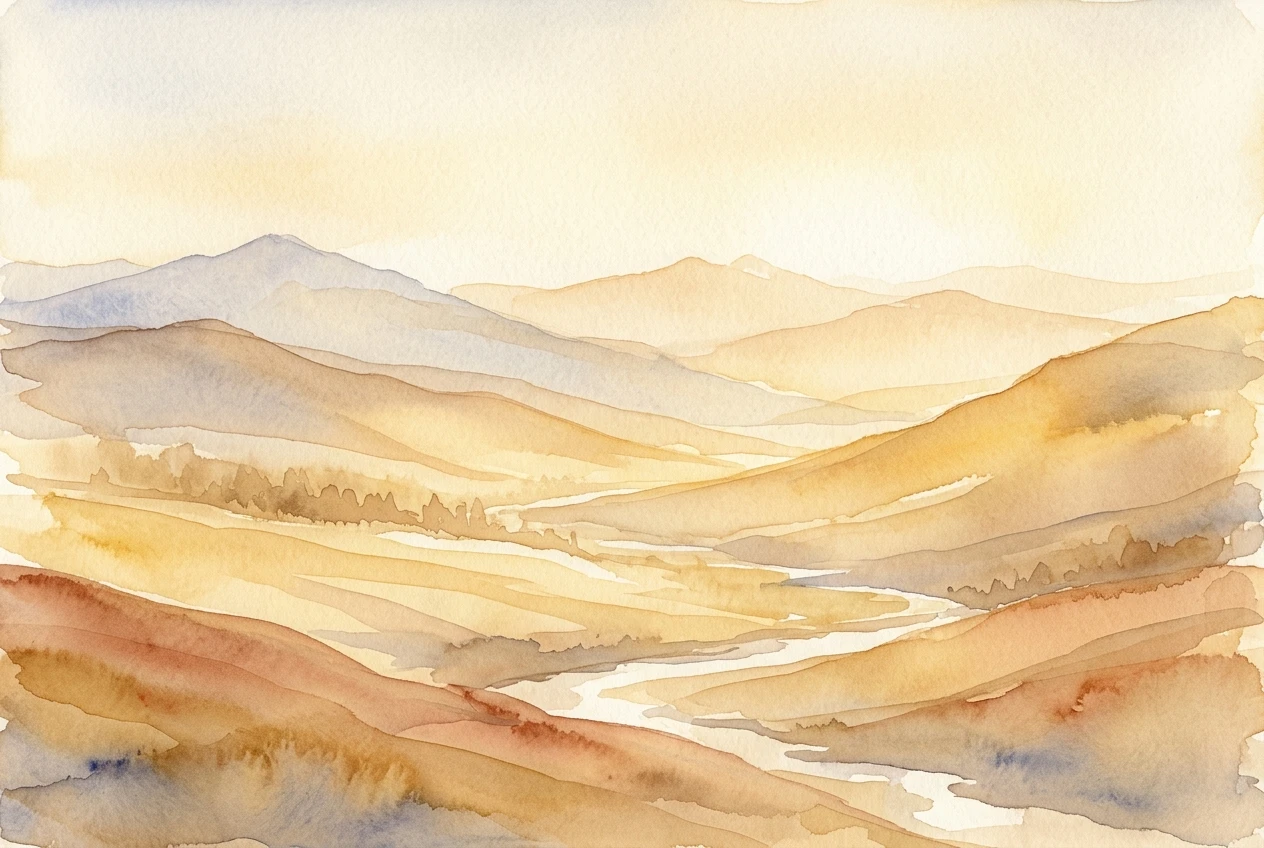
- “muted, translucent color palette”
- “pastel tones with visible layering”
- “soft gradients, no hard color blocks”
- “limited color palette, two or three dominant hues”
That last one deserves attention. A lot of beginner prompts try to describe every color in the scene: “blue sky, green grass, brown mountains, orange sunset, purple shadows.” That’s five colors competing for attention, and the model tends to render each one at full strength, which looks flat and digital rather than painterly. Real watercolor landscapes usually work from a tighter palette: one dominant hue, one or two supporting hues, and the rest implied through value changes rather than new colors. Naming two or three colors and asking for a limited palette does more for the watercolor look than listing every color you can see in your head.
Temperature words help too. “Warm golden light” or “cool blue dusk” give the model a single color direction to organize the whole palette around, which is closer to how a watercolor painter actually approaches a scene: pick a dominant temperature, then let everything else sit within it.
Settings inside kre8or.ai worth adjusting for this look
Beyond the words in the prompt itself, a few generation settings inside kre8or.ai make a real difference for this particular style.
Look for a style strength or creative influence slider and push it toward the looser, more interpretive end rather than the strict, literal end. Watercolor depends on the model taking some liberties with exact shapes, and a setting locked toward strict adherence to the prompt’s literal subject description tends to fight the soft-edge language you’ve already written.
Check the aspect ratio against your subject. Wide landscape formats suit open scenes like coastlines and rolling hills, where the eye can travel across a long horizontal wash. A taller or square format suits subjects with a strong vertical element, like a lighthouse or a single tall tree, where you want the composition to lead the eye up rather than across.
If kre8or.ai offers a negative prompt field, use it to explicitly rule out the opposite of what you want: terms like “photorealistic,” “sharp lines,” “digital art,” and “3D render” placed in the negative field reinforce everything your main prompt is asking for, by removing the model’s other common interpretations from consideration entirely.
Finally, generate more than one version before judging the style. Watercolor results vary more between runs than hyper-detailed digital styles do, because the medium itself is naturally a little unpredictable. Running two or three variations of the same prompt and picking the best one is standard practice, not a sign your prompt needs fixing.
A full example prompt from idea to finished image
Here’s how all of the above comes together, built up in stages so you can see exactly where each piece lands.
Starting idea: a lake at sunset.
Add subject detail: “A calm mountain lake at sunset, a single wooden dock extending into the water, distant tree line along the far shore.”
Add medium and texture: “watercolor painting, soft bleeding edges, visible cold press paper texture, loose brushwork, transparent washes.”
Add palette language: “warm orange and pink sunset tones, muted blue shadows, limited color palette.”
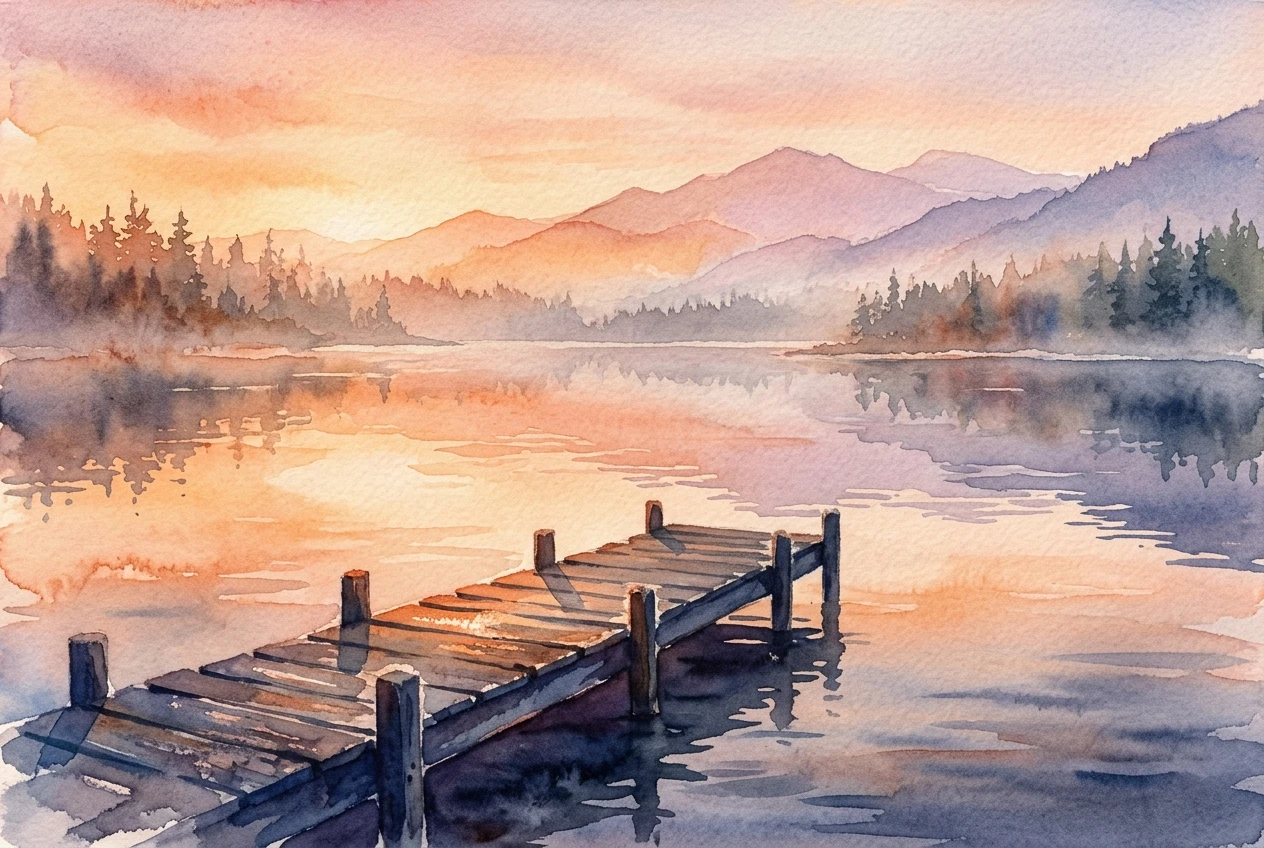
Add light and atmosphere: “golden hour light reflecting on the water, soft atmospheric haze over the distant trees.”
Put together as one prompt:
“A calm mountain lake at sunset, a single wooden dock extending into the water, distant tree line along the far shore, watercolor painting, soft bleeding edges, visible cold press paper texture, loose brushwork, transparent washes, warm orange and pink sunset tones, muted blue shadows, limited color palette, golden hour light reflecting on the water, soft atmospheric haze over the distant trees.”
That’s a long prompt, but every phrase in it is doing a job you can point to: subject, composition anchor (the dock), medium, texture, technique, palette, and light. Nothing in there is filler. If you run this and want to adjust, change one section at a time rather than the whole prompt, so you can tell which change caused which result. Swap “mountain lake” for “coastal cliffs” and keep everything else the same, and you’ll get a different scene in the same reliable watercolor style, because the medium and texture language hasn’t moved.
Common mistakes that turn watercolor into mud
Two mistakes account for most of the muddy, overworked results beginners get when trying this style, and both are easy to fix once you know to look for them.
The first is piling on too many colors. It’s tempting to describe a sunset landscape by naming every color visible in your mind’s eye: orange sky, pink clouds, purple mountains, blue lake, green shoreline, brown dock. Watercolor doesn’t read as watercolor when it’s carrying six or seven competing hues at full strength, because real watercolor paintings achieve their color range through layering a few transparent pigments, not by placing many opaque colors side by side. The result of overloading color words is a muddy, flattened image where the washes look heavy instead of light. The fix is the limited palette language from earlier: pick two or three dominant colors and let value and light do the rest of the work.
The second is leaving in detail words that belong to other styles. “Highly detailed,” “sharp focus,” “intricate texture,” and “4K” are common additions in prompt templates built for digital or photorealistic art, and they get copied forward out of habit even when the goal has changed to watercolor. These words directly contradict the soft-edge, loose-brushwork language you’re trying to establish, and when a prompt contains both sets of instructions, the model has to split the difference. That split is exactly what produces the hard-edged, oversaturated, not-quite-watercolor images people end up frustrated by. Before you run a watercolor prompt, read back through it specifically looking for detail or sharpness words left over from another style, and cut them.
Fix those two things and the rest of this walkthrough does most of the remaining work for you. Watercolor is one of the more forgiving styles to get consistent once the prompt is built correctly, because the medium itself tolerates soft imprecision far better than a hyperrealistic style would.
Open a free kre8or.ai account and run this exact prompt yourself to see your first watercolor landscape in minutes.