


Custom Style Training: How to Keep Your AI Art Looking Like You Made It
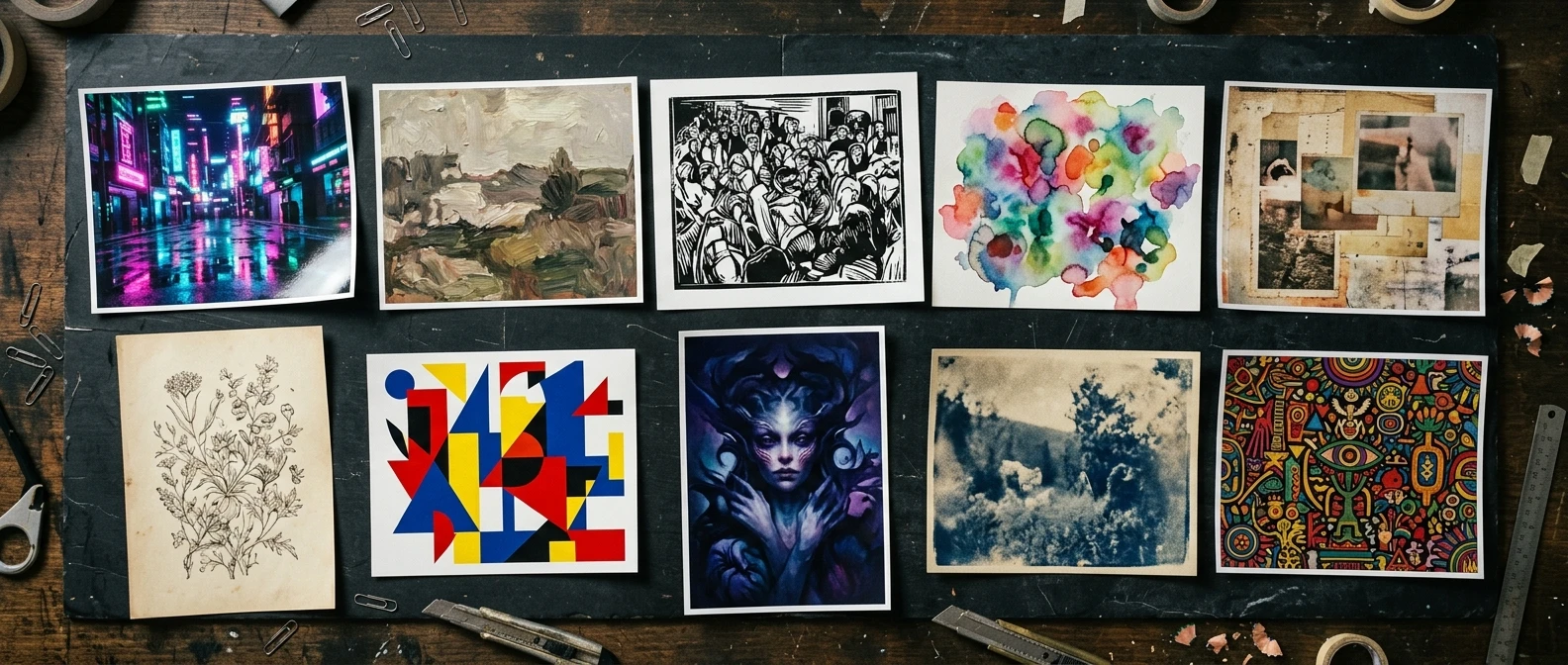
Open ten images from the same kre8or.ai session and you can usually spot which ones came from the same prompt family. They share a palette, a lighting choice, a way of rendering edges. Open ten images from ten different sessions, each written fresh, and something odd happens: it looks like ten different artists took a crack at the same assignment. Same tool, same person typing, wildly different results.
That inconsistency is not a sign you are bad at prompting. It is a sign you have been writing prompts the way most guides teach: one subject, one request, start from nothing each time. That approach produces good single images. It does not produce a body of work. If you want a portfolio, a brand, or a series that looks like one hand made it, you need a different habit: a reusable style recipe that travels with you from prompt to prompt, instead of a new improvisation every session.
Why every image comes out looking like a different artist made it
Every prompt you write is really two prompts tangled together: what the image is of, and how the image looks. Most people only control the first one on purpose. The second one, the “how,” gets decided by whatever words happened to land in that particular prompt, plus whatever the model defaults to when you leave something unspecified.
That is why a portrait prompt and a landscape prompt from the same person can look like they belong in different galleries. The subject changed, so the whole prompt got rewritten, and the style words that happened to work for the portrait never made it into the landscape prompt. Nothing was locked in place. Nothing was carried over on purpose.
Consistency does not come from getting lucky with wording. It comes from separating the style half of the prompt from the subject half, and treating the style half as a fixed asset you reuse rather than a decision you remake every time.
Building a style anchor: the handful of words you never change
A style anchor is a short, fixed set of descriptors that define the look of your work, independent of subject. Think of it as the part of the prompt that stays identical whether you’re generating a city street, a portrait, or a still life.
A workable style anchor usually covers:
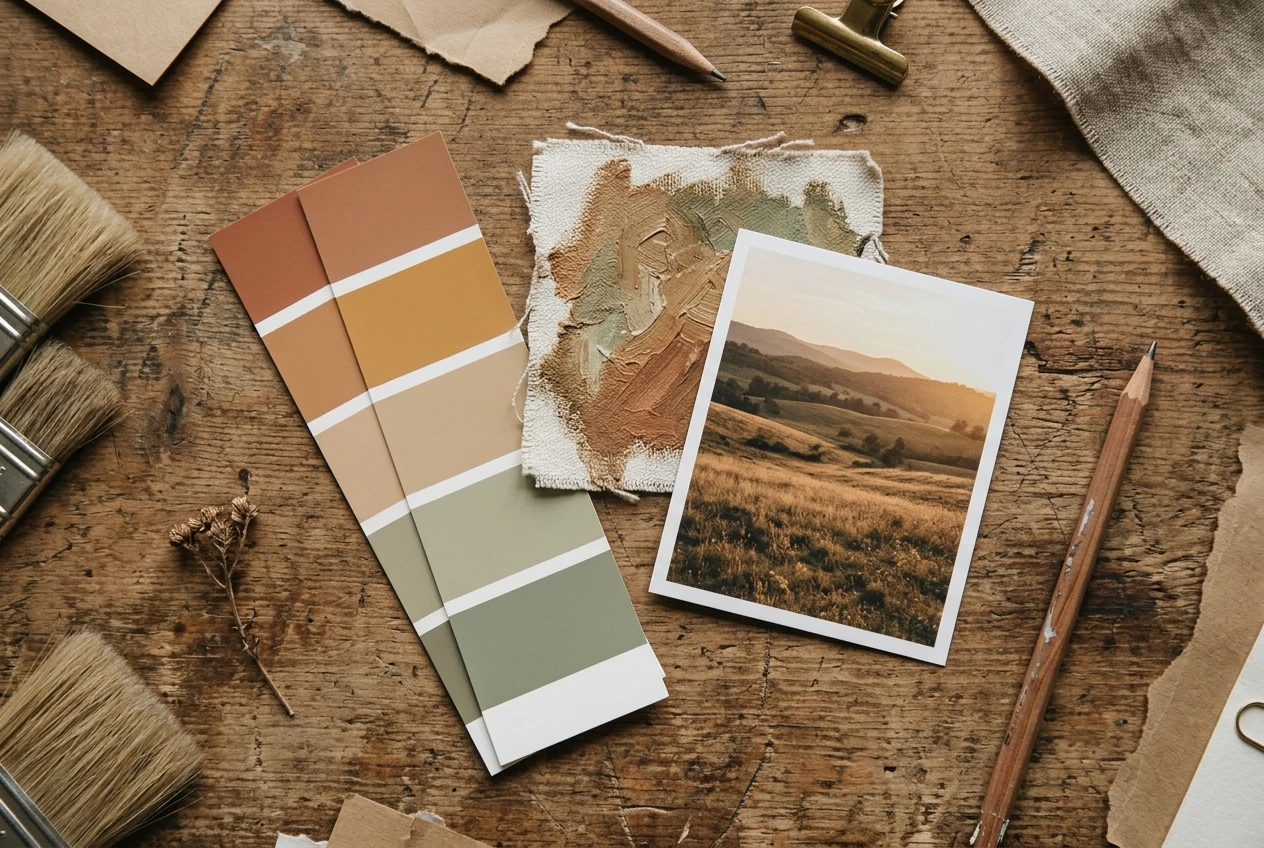
- Rendering approach — painterly, photorealistic, cel-shaded, line art, 3D render
- Lighting character — soft diffused light, hard rim lighting, neon glow, golden hour
- Color behavior — muted earth tones, high-contrast duotone, saturated primaries
- Texture or finish — film grain, matte, glossy, visible brushwork
The goal is not to cram in every adjective you like. It’s to pick four or five words that, together, describe a look you’d recognize blind, then commit to using that exact combination every time. If your anchor is “painterly, soft diffused light, muted earth tones, visible brushwork,” that phrase goes into every prompt you write for this body of work, unchanged, regardless of whether the subject is a dragon or a coffee cup.
If you’ve already worked through writing solid single prompts, this is the next layer on top of that skill, not a replacement for it. The subject-specific wording you’ve been refining still matters. The anchor just sits beside it, untouched, prompt after prompt.
Parameters matter as much as wording: locking down the technical settings
Wording gets most of the attention, but the technical settings around your prompt do as much work as the words themselves. Aspect ratio, resolution, sampling settings, and any style-strength or guidance sliders kre8or.ai gives you all shape the final look, and if they drift between sessions, your images will drift too, even with an identical style anchor.
Pick your settings once, per series, and write them down somewhere you’ll actually check. That means:
- The same aspect ratio for every image in the set, unless the format genuinely requires a change
- The same guidance or style-strength value, rather than nudging it up or down “to see what happens”
- The same sampling or quality setting, so detail level stays even across the set
It’s tempting to tweak a slider mid-series because one image came out slightly better. Resist that unless you’re willing to redo the earlier images to match. A series held together by matching settings looks deliberate. A series where every third image used a different guidance value looks like a pile of experiments, because that’s what it is.
Writing a style seed prompt you can reuse on any subject
Once you have a style anchor and a locked set of parameters, you can build what’s worth calling a style seed: a template prompt with a blank spot for the subject and everything else fixed.
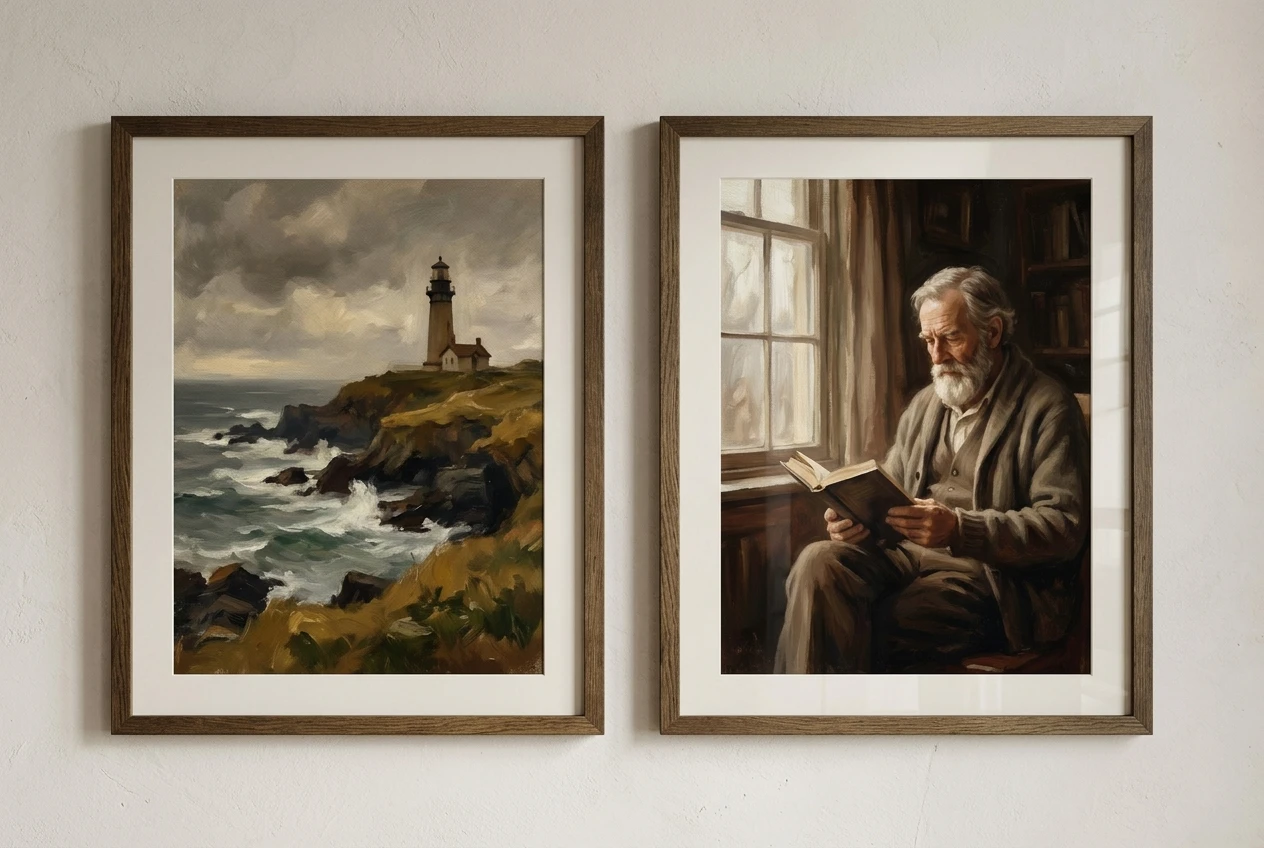
A style seed might look like this in structure:
[Subject] + [style anchor] + [fixed lighting and color terms] + [fixed composition or framing note]
So instead of writing a brand-new prompt every time, you’re filling in one variable. “A lighthouse on a cliff” and “an old man reading by a window” both drop into the same seed, picking up the same painterly look, the same lighting language, the same color behavior, and the same framing habits. The subject changes. Nothing else does.
This is also where a narrower style seed earns its keep. If you’ve worked with a specific aesthetic before, such as the cyberpunk portrait syntax covered in this breakdown of cyberpunk portrait prompts, you already have a working example of a style-heavy prompt structure. The difference now is intent: instead of using that structure once for one image, you keep it fixed and run it across a whole set of subjects on purpose.
Write your style seed out in full, save it somewhere outside your head, and treat it as a formula rather than a starting point you’ll “adjust as you go.” The adjusting is exactly what breaks consistency.
Testing your style anchor across different subjects and scenes
A style anchor that only works on one kind of subject isn’t a style anchor yet, it’s a coincidence. Before you commit to it for a whole series, run it against subjects that are genuinely different from each other.
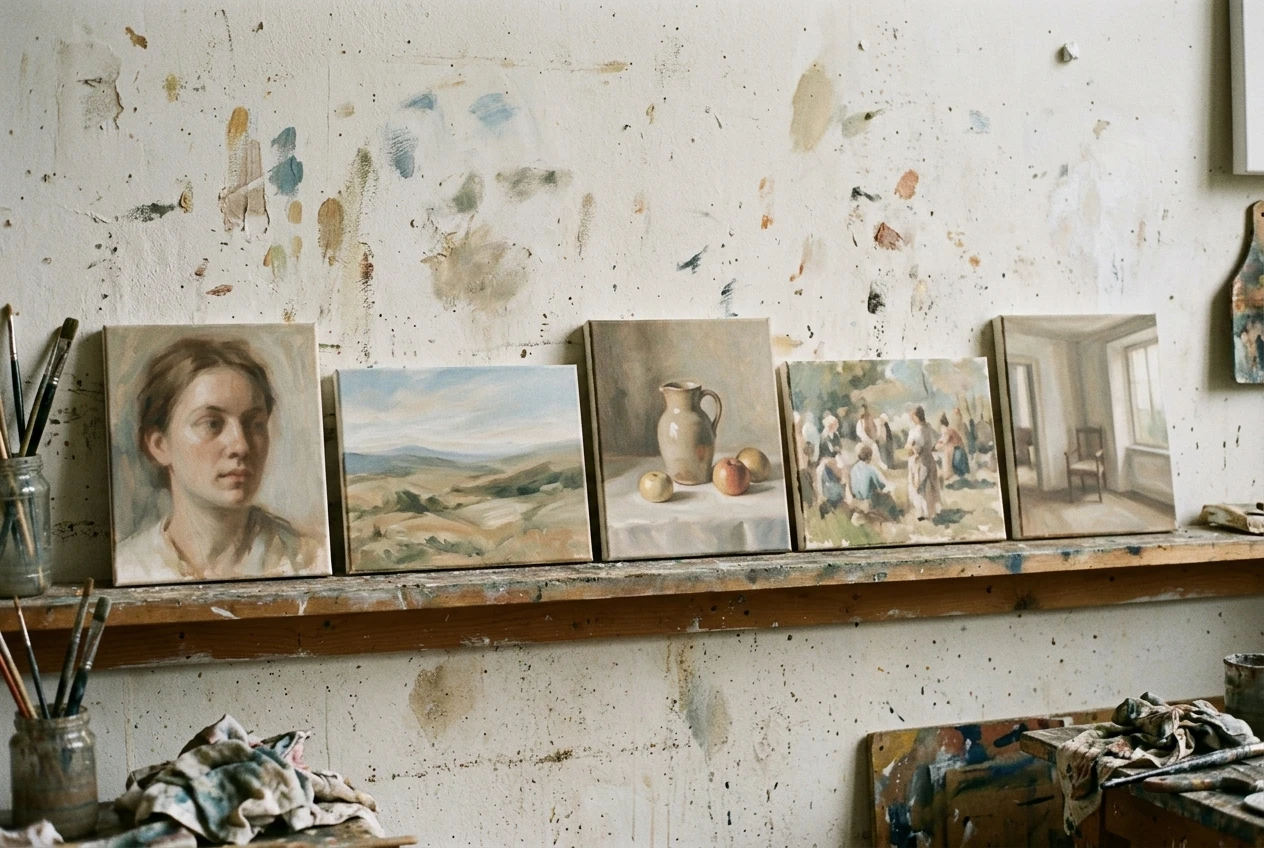
Try your seed on:
- A close-up portrait
- A wide landscape or exterior scene
- An object or still life
- A scene with multiple figures
- An indoor scene and an outdoor scene
If the look holds across all five, you have something reusable. If it falls apart on one category, for instance the lighting language reads fine on faces but goes strange on wide exteriors, that’s useful information. It means part of your anchor needs adjusting before you build a whole portfolio on it, not after.
This testing step is the part people skip because it feels like extra work before the “real” work starts. It’s actually the cheapest point to catch a problem. Finding out your anchor doesn’t hold five images in is far better than finding out fifty images in.
Saving your style recipe so you’re not rebuilding it from memory
A style anchor you remember roughly is a style anchor you’ll drift from. Memory rounds things off. “Muted earth tones” slowly becomes “warm tones,” then “natural tones,” and three weeks later your new images don’t match your old ones even though you were sure you were doing the same thing.
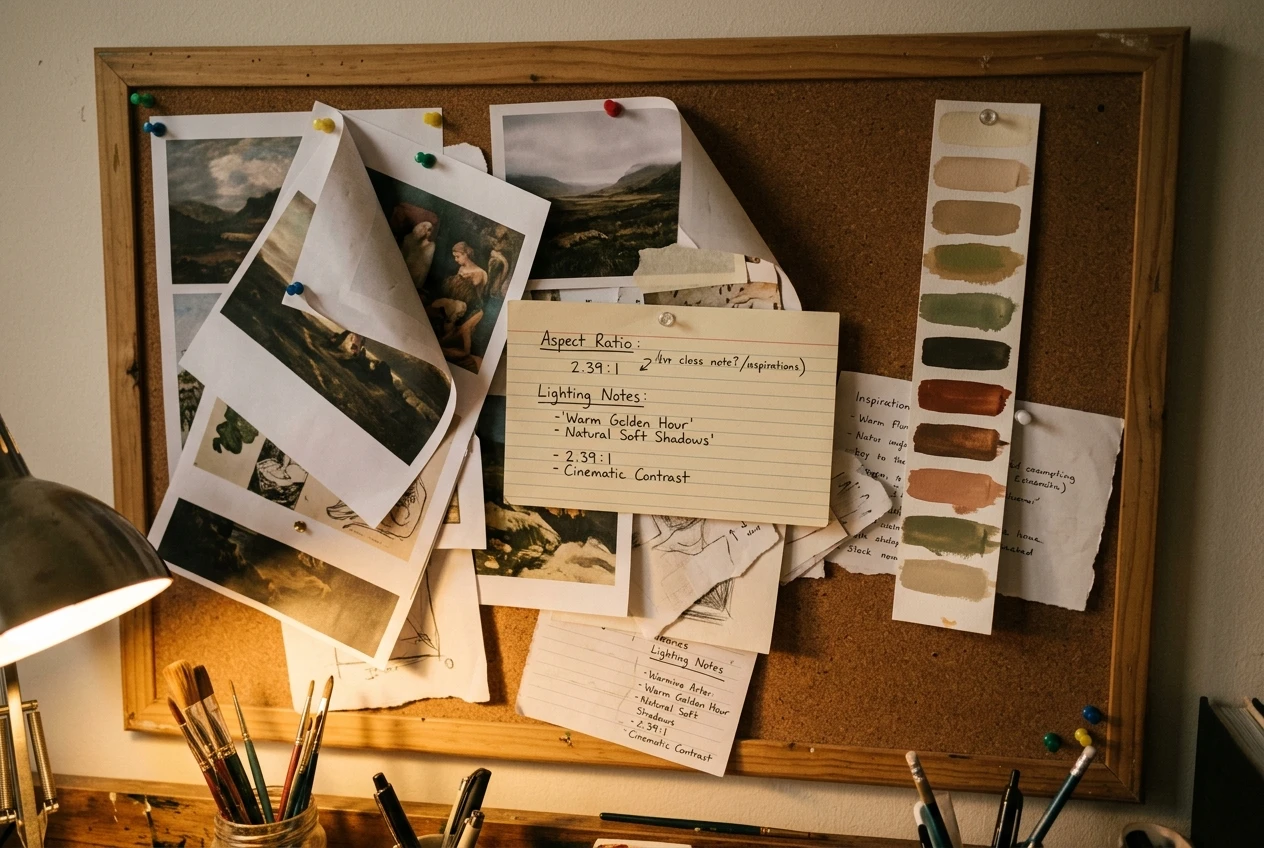
Save the exact wording. Save the exact parameter values. Save them somewhere you’ll actually open before you start a new session, whether that’s a saved prompt inside kre8or.ai, a note, or a simple document you keep next to your workspace. The specific tool matters less than the habit of treating your style recipe as a document, not a memory.
Worth saving alongside the prompt itself:
- The exact style anchor phrase, word for word
- The locked parameter values (aspect ratio, guidance strength, sampling setting)
- One or two example images that represent the look, so you have a visual reference alongside the text
- Any subject-specific notes from your testing phase, like “lighting term reads differently on exteriors, use the alternate phrasing”
Once this exists as a saved asset, starting a new piece in the series takes minutes. You’re not reconstructing a look from a vague memory of what worked last month. You’re filling in a subject and running a formula that’s already proven itself.
Where consistency breaks down, and the quick fixes for each
Even with a saved recipe, consistency slips in a few predictable places. Knowing where to look makes them fast to fix.
The anchor gets edited mid-series. Someone swaps one word because it “feels like it’ll work better” for a specific image. Fix: if a word genuinely needs changing, change it in the saved seed and accept that earlier images in the series are now the odd ones out, or redo them. Don’t let a one-off edit live only in that single prompt.
Parameters creep. A slider gets nudged and never gets nudged back. Fix: write the values down, and check the saved values before every session rather than trusting the last-used settings to still be right.
The subject overwhelms the style. Some subjects have such a strong visual identity of their own, like a specific character or a recognizable object, that they fight the style anchor. Fix: strengthen the style-weighting in your prompt relative to the subject description, or simplify the subject description so it leaves more room for the anchor to show through.
Different sessions, different moods. Writing a prompt when you’re being careful produces different results than writing one quickly between other tasks. Fix: this is exactly why the seed exists. When you’re rushed, you fill in a subject and run the formula. You don’t improvise a new style from scratch because you’re in a hurry.
A reusable style recipe turns kre8or.ai from a tool that makes one good image at a time into one that builds a recognizable body of work, image after image. Open a free kre8or.ai account and start building your own style library today, one saved prompt at a time.