


How to Prompt Isometric Architecture That Actually Holds Its Geometry in Kre8or.ai
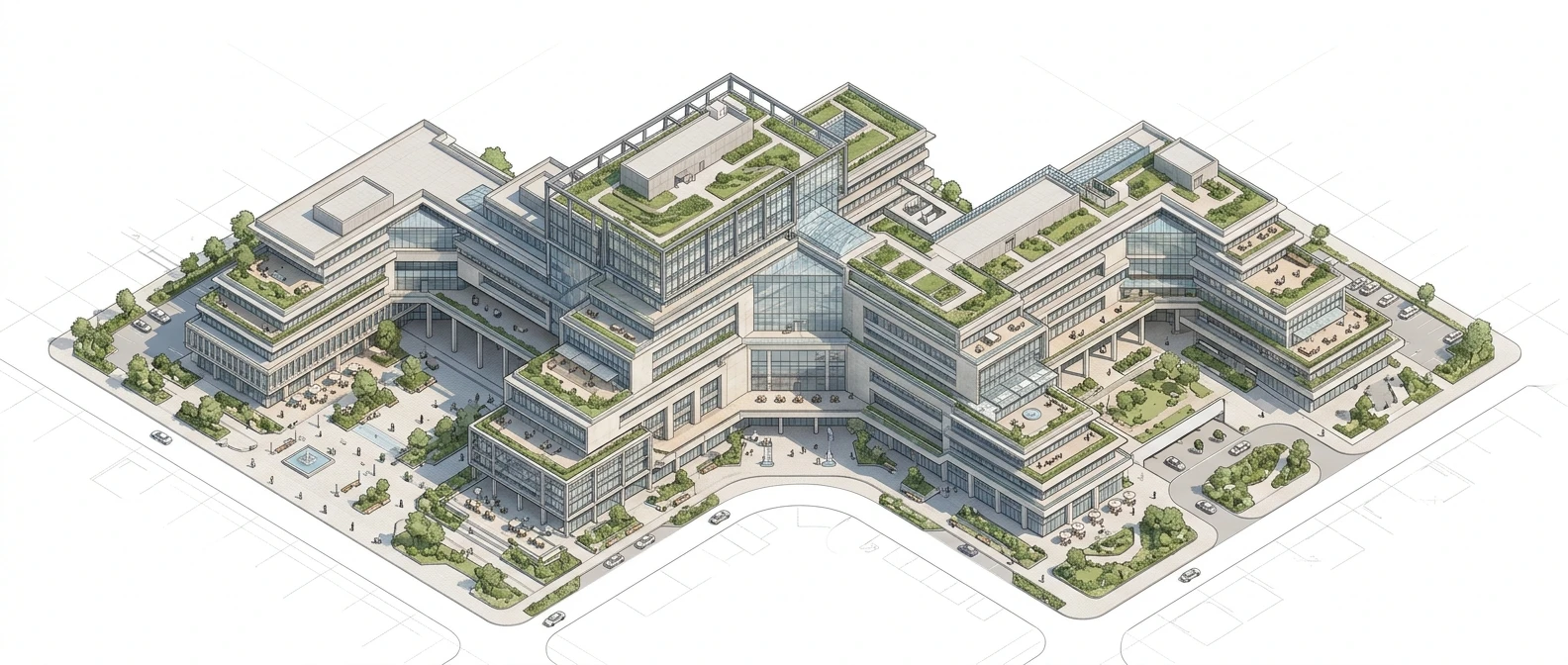
Portraits forgive a lot. If a jawline softens or a hand gets an extra knuckle, the image still reads as a face and the eye slides past it. Buildings don’t offer that mercy. A wall that leans two degrees off true, a roofline that doesn’t match its own vanishing point, a window grid that drifts out of alignment as it climbs a facade: all of it jumps out immediately, because the human eye is tuned to spot broken geometry in a built structure far faster than it spots an odd proportion in a face. That’s why isometric architecture ai prompts need a different vocabulary than the prompts you’d write for a character or a scene. You’re not describing a subject anymore. You’re setting up a drafting table and telling the model exactly how to hold the ruler.
This piece is about that vocabulary specifically: the words that lock perspective, the framing terms that keep a grid steady across a whole image, and the lighting and material cues that make a flat render start to look like it has mass. If you want the broader fundamentals of writing a prompt that holds together at all, this guide to writing AI art prompts that actually work covers that ground. Here, we’re staying narrow and architectural.
Why architectural prompts break differently
A portrait has one subject and a few key points the model has to get right: eyes, proportions, skin. A building is a lattice of straight lines that all have to agree with each other at once. Every window on a facade has to share a vanishing point with every other window on that facade. Every roof edge has to recede at the same rate as the ground it sits on. The model isn’t just generating a shape, it’s solving a small geometry problem across the entire frame, and the fewer constraints you give it, the more likely it is to fudge the solution somewhere in the middle of the image where you’re not looking as closely.
This is also why architectural prompts punish vague framing language more than other subjects do. “A cool building” gives the model total freedom to pick its own camera angle, which means it will often default to a slightly-off three-quarter view that looks fine at a glance but has no consistent perspective system holding it together. Isometric and orthographic work specifically because they remove that freedom. You’re telling the model which family of projection to use before it draws a single line, and that single choice does more to keep the geometry honest than almost any other word in the prompt.
The geometry words that actually control perspective
A handful of terms do most of the heavy lifting here, and they’re not interchangeable even though they sound like they might be.
Isometric describes a projection where all three axes of the structure are drawn at equal angles, with no vanishing points at all. Lines that are parallel in the real building stay parallel in the image. This is the look behind most clean architectural concept art and strategy-game buildings: a cube drawn isometric looks like a cube from every face, with no edge receding faster than another.
Orthographic is a broader category that isometric belongs to. It means no perspective convergence at all, viewed straight-on or from a fixed elevation. Use this word when you want a flat, technical-drawing feel, like an elevation or a floor plan rendered as art rather than a 3D-feeling scene.
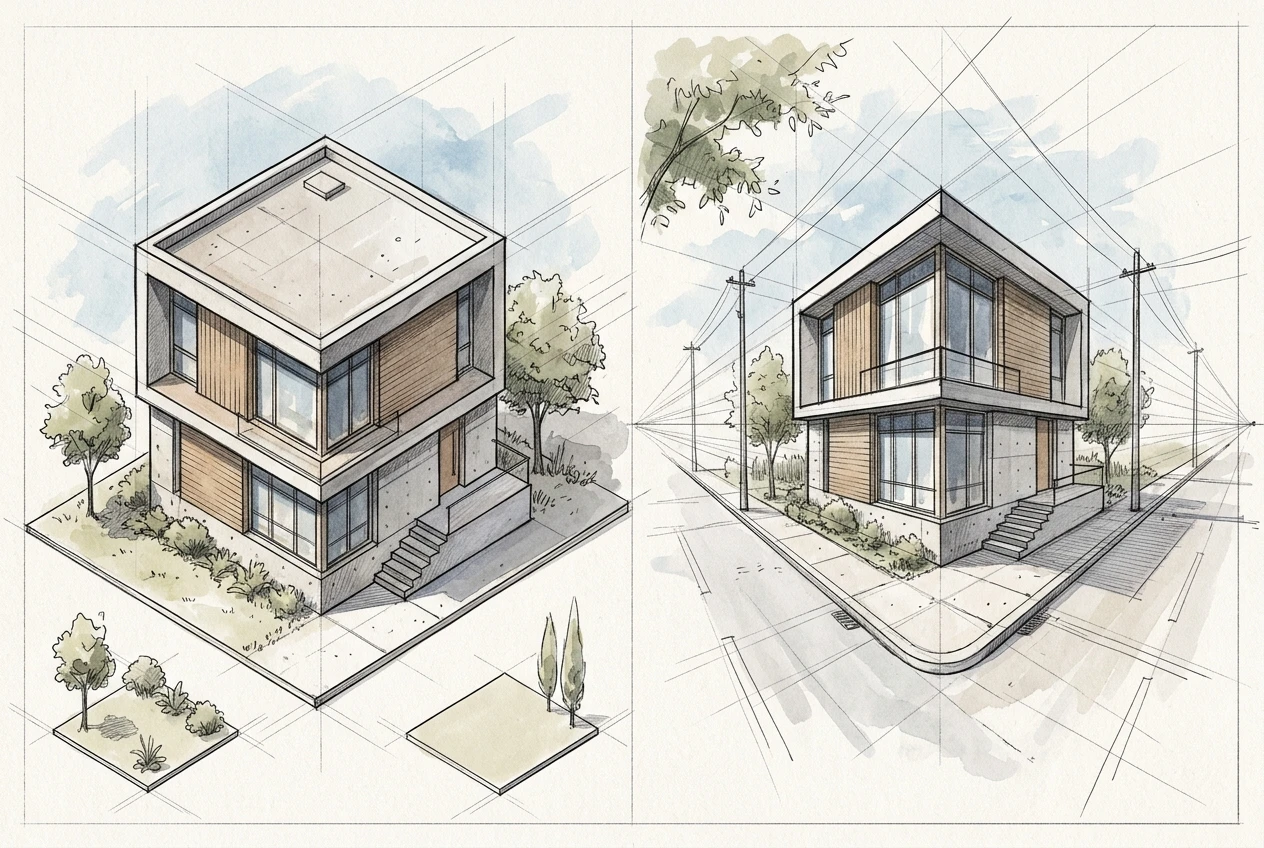
Axonometric is the umbrella term that includes isometric along with dimetric and trimetric projections, where the angles aren’t all equal but there’s still no vanishing-point convergence. If isometric is giving you a look that feels too rigid or symmetrical for the structure you’re imagining, axonometric is worth trying as it allows a little more variation in the angles while keeping the no-perspective rule intact.
One-point perspective reintroduces a single vanishing point, useful for a street view heading straight into a building or a hallway receding into the distance. Everything parallel to your line of sight converges to one spot on the horizon.
Two-point perspective gives you two vanishing points, one for each set of horizontal lines running off to either side. This is the classic “corner of the building” view, where you can see two facades at once, each receding to its own point.
The mistake worth avoiding is stacking these terms together as if they’re flavor words. “Isometric two-point perspective” is a contradiction, because isometric explicitly has no vanishing points. Pick one projection family and commit the rest of the prompt to supporting it.
Framing the shot: camera angle, distance, and composition terms
Once you’ve picked a projection, the next job is to describe the camera as if it’s a physical object sitting somewhere, not a vague point of view.
Distance matters more for buildings than almost anything else you’ll render. A camera described as close will foreshorten a tall structure and can introduce perspective distortion even inside an otherwise orthographic setup. Describing the shot as a wide shot or distant view, or naming a long focal length, keeps the structure reading as a compressed, flattened elevation rather than something ballooning toward the lens.
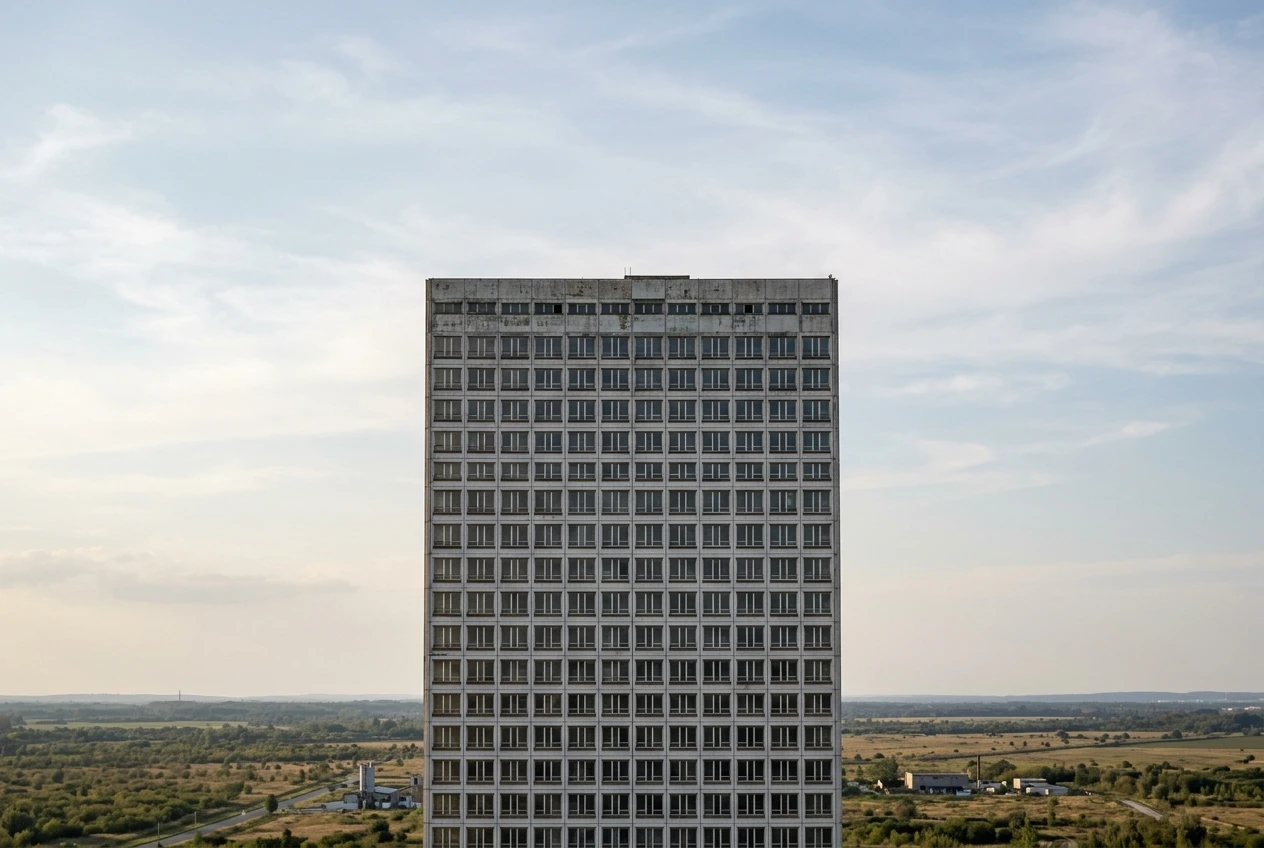
Height matters just as much. Phrases like elevated view, bird’s eye view, or camera angled thirty degrees above the horizon tell the model where the “floor” of the frame sits relative to the building, which keeps rooflines and foundations consistent across the whole image instead of each one picking its own horizon.
Composition terms worth including:
- centered composition or symmetrical framing, when you want the building dead center and square to the viewer
- cropped at the edges or full frame, to control whether the structure bleeds off the canvas or sits inside visible margins
- grid-aligned or modular layout, which nudges the model toward repeating structural units (windows, columns, floors) that stay consistent in size and spacing
The goal across all of this is to describe the camera as a fixed, physical thing with a position, a distance, and a height, rather than leaving “angle” as an open question the model answers on its own.
Material and lighting cues that make a structure read as solid
Geometry gets you a correct shape. Material and light get you something that looks like it could actually stand there.
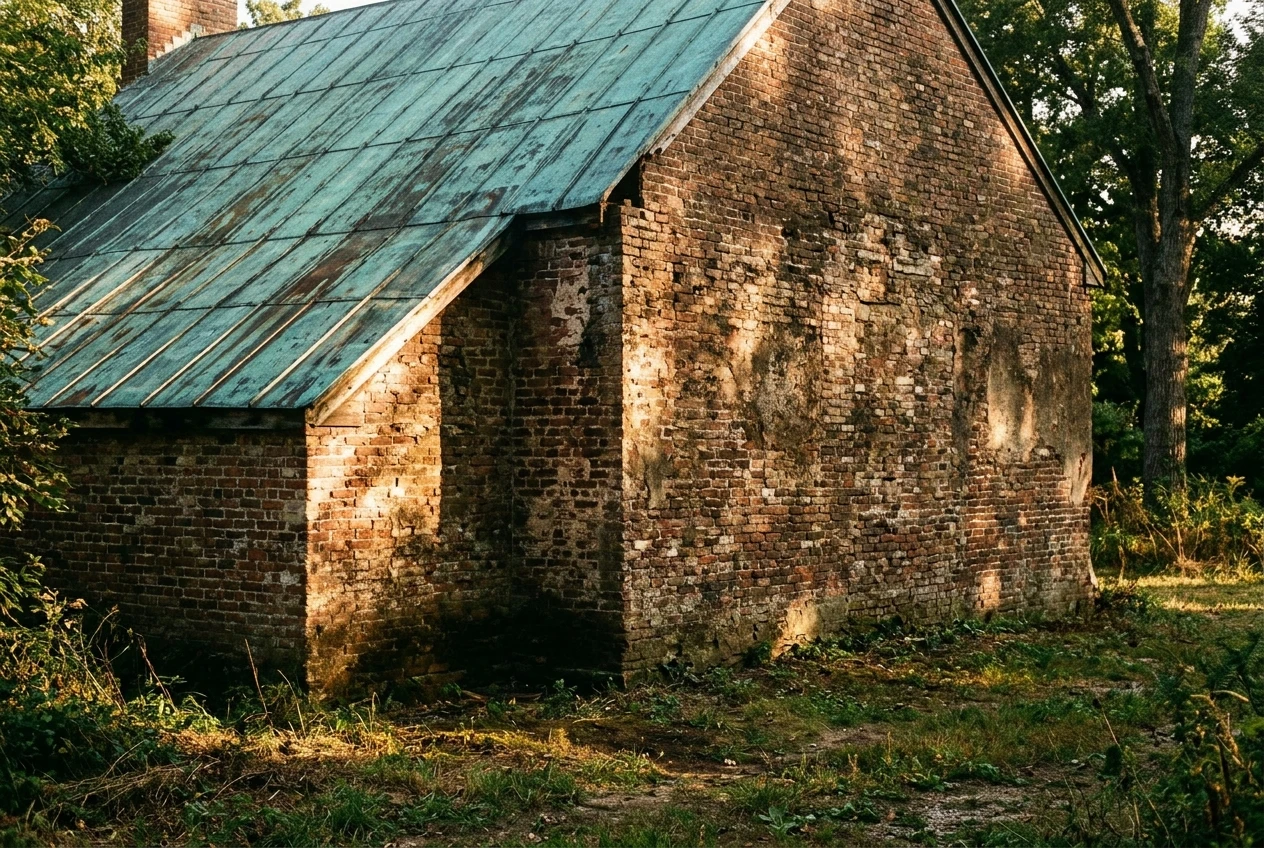
Name real materials and be specific about finish: brushed concrete, weathered brick, glass curtain wall, oxidized copper roofing. Vague material words like “modern” or “sleek” give the model no texture to render, which is often why isometric buildings end up looking like flat colored blocks instead of structures with surface.
Lighting direction does more for depth than almost anything else. A building lit from directly overhead (common in a lot of default renders) flattens every facade into the same brightness, which is exactly what erases the sense of solidity you’re after. Naming a specific light direction, such as low afternoon sun from the left or soft light raking across the facade, forces a visible shadow line on at least one face of the structure, and that shadow is what sells the volume.
Ambient occlusion and contact shadows are worth naming directly if you want the base of the building to visibly meet the ground rather than floating slightly above it, which is a common isometric failure mode. A phrase like soft contact shadow where the structure meets the ground plane handles this specifically.
Scaling up to full cityscapes and interiors without the perspective drifting
A single building is one geometry problem. A cityscape is dozens of them that all have to agree with each other, and that’s where isometric renders most often fall apart at scale.
The fix is to describe the scene as a unified grid before you describe any individual building within it. Open with language like isometric cityscape on a consistent grid, uniform block spacing, before naming specific structures. This gives the model a shared coordinate system to place everything into, rather than generating each building as its own independent isometric object and hoping they line up.
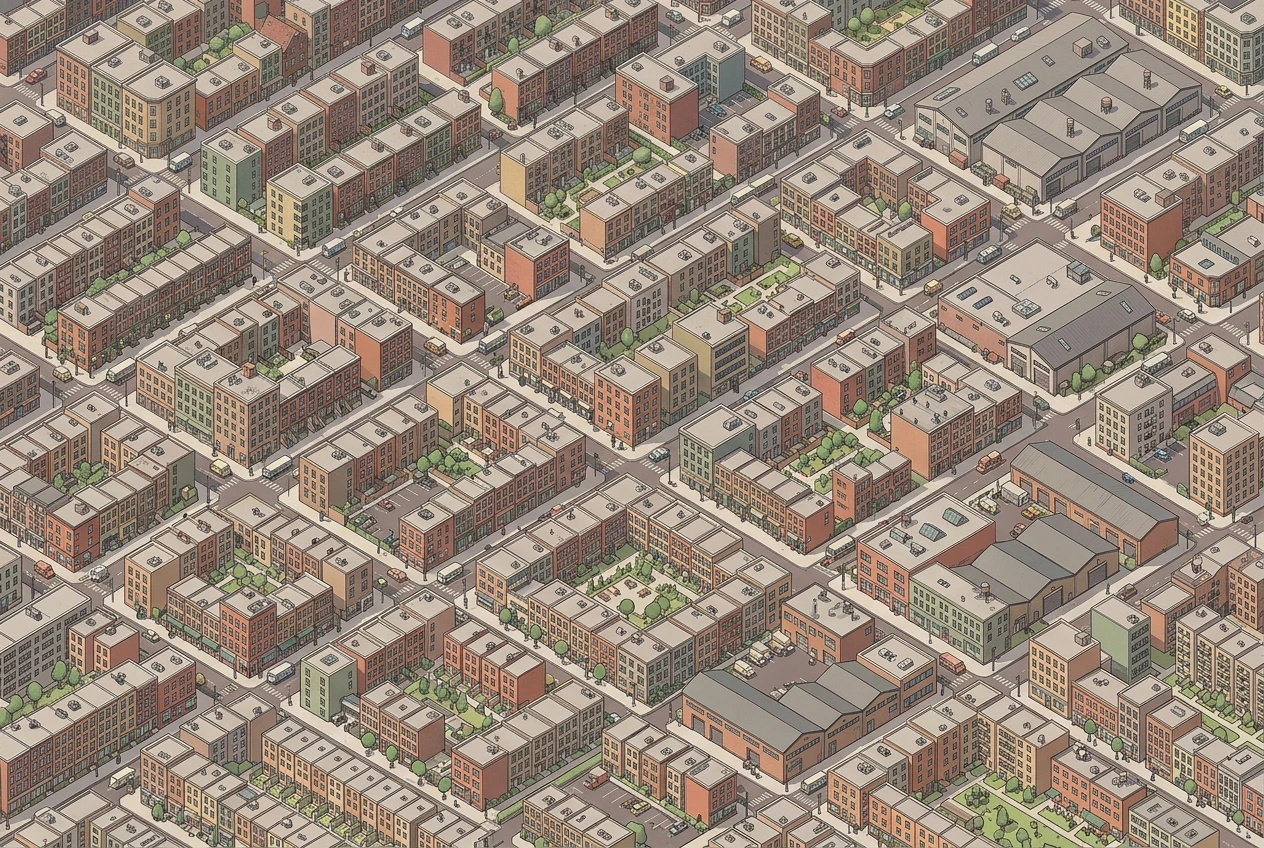
For interiors, the challenge flips: instead of one structure seen from outside, you’re asking for a cutaway or dollhouse view where walls are removed or made transparent to show the rooms inside. Naming this directly, cutaway isometric view with removed front wall, or dollhouse-style cross-section, tells the model what kind of impossible-but-coherent view you’re after, rather than leaving it to guess whether you want an exterior or an interior and ending up with a confused mix of both.
Five isometric and architectural prompt templates
Use these as starting frames and swap in your own building, materials, and lighting.
- Single structure, isometric: “Isometric view of a [building type], equal-angle projection with no vanishing points, elevated camera at roughly 45 degrees, [material] exterior, [lighting direction], soft contact shadow at the base, centered composition, wide shot.”
- Street corner, two-point: “Two-point perspective of a [building type] seen from the street corner, camera at eye level, two vanishing points on the horizon, [material] facade, afternoon light from the [direction], full frame.”
- Technical elevation, orthographic: “Orthographic front elevation of a [building type], no perspective convergence, flat even lighting, grid-aligned windows, [material], clean line work, symmetrical framing.”
- Isometric cityscape: “Isometric cityscape, consistent grid with uniform block spacing, mixed [building types], distant camera, soft overhead light, muted color palette, no single vanishing point.”
- Cutaway interior: “Isometric dollhouse-style cutaway of a [building type], front wall removed, interior rooms visible, warm interior lighting contrasted with cooler exterior light, elevated camera, modular floor layout.”
Mistakes that flatten or warp your isometric builds
Mixing projection terms. Calling for “isometric perspective” or combining isometric with a named vanishing point confuses the model about which rules to follow. Pick one projection family and stay inside it.
Describing the camera as close without naming distance. Close framing on an architectural subject almost always introduces perspective distortion, even when you’ve asked for isometric elsewhere in the prompt. Name a wide shot or distant camera explicitly.
Skipping light direction. Overhead or ambient-only lighting flattens every facade to the same value, and that flatness is often mistaken for a failure of geometry when it’s really a failure of shadow. Always name a direction.
Vague materials. “Modern building” gives the model a style cue but no texture to render. Name the actual surface material and its finish.
No shared grid for multi-building scenes. Each structure in a cityscape will drift into its own isometric logic unless you tell the model up front that everything shares one grid and one scale.
Open kre8or.ai and run one of the templates above on a building idea you already have in mind, then adjust the camera and lighting terms until the geometry locks into place.