


How to Stop AI From Centering Everything: Rule of Thirds Prompts for kre8or.ai
AI image generators tend to put the subject in the middle of the frame. A prompt like “a lighthouse on a cliff” or “portrait of a woman in a red coat” usually returns a subject sitting squarely in the center, evenly lit and evenly surrounded, with nothing in the composition to lead the eye anywhere. The image can be sharp and still look like a sticker.
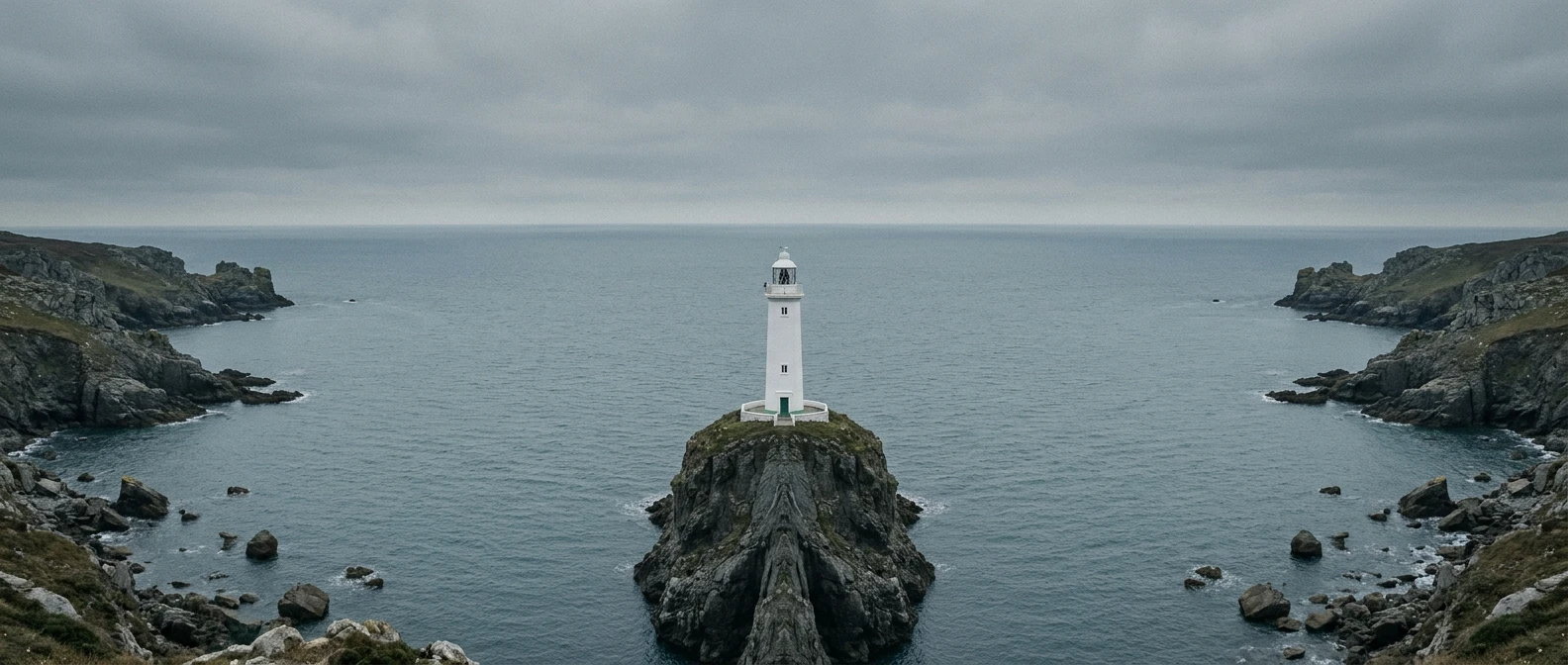
You can change that with wording. The rule of thirds is easy to describe in a prompt, and a few placement phrases in the right position will move your subject onto a stronger spot in the frame. This guide covers those phrases, where to put them, and how to fix the cases where the subject still drifts back to the middle.
Why your AI art keeps landing dead center
When your prompt names a subject and says nothing about where it goes, the generator has to pick a spot, and the middle is the safest pick. Many reference photos of single subjects, such as product shots, headshots and icons, are framed centrally, so a bare prompt often drifts toward that look.
Some of your own words can push in the same direction. “Portrait of,” “symmetrical,” “front view,” “looking at the viewer,” “emblem,” “poster” and “close-up” all suggest a centered subject. If your prompt describes only the subject and its style, you have given the generator no reason to place it anywhere else.
So the fix is to say where the subject goes and what fills the rest of the frame.
The rule of thirds in 60 seconds, as a prompt writer needs it
Picture the frame divided by two vertical lines and two horizontal lines into nine equal boxes. The four points where the lines cross are the intersections, and a subject placed near one of them usually feels more balanced and intentional than one in the middle.
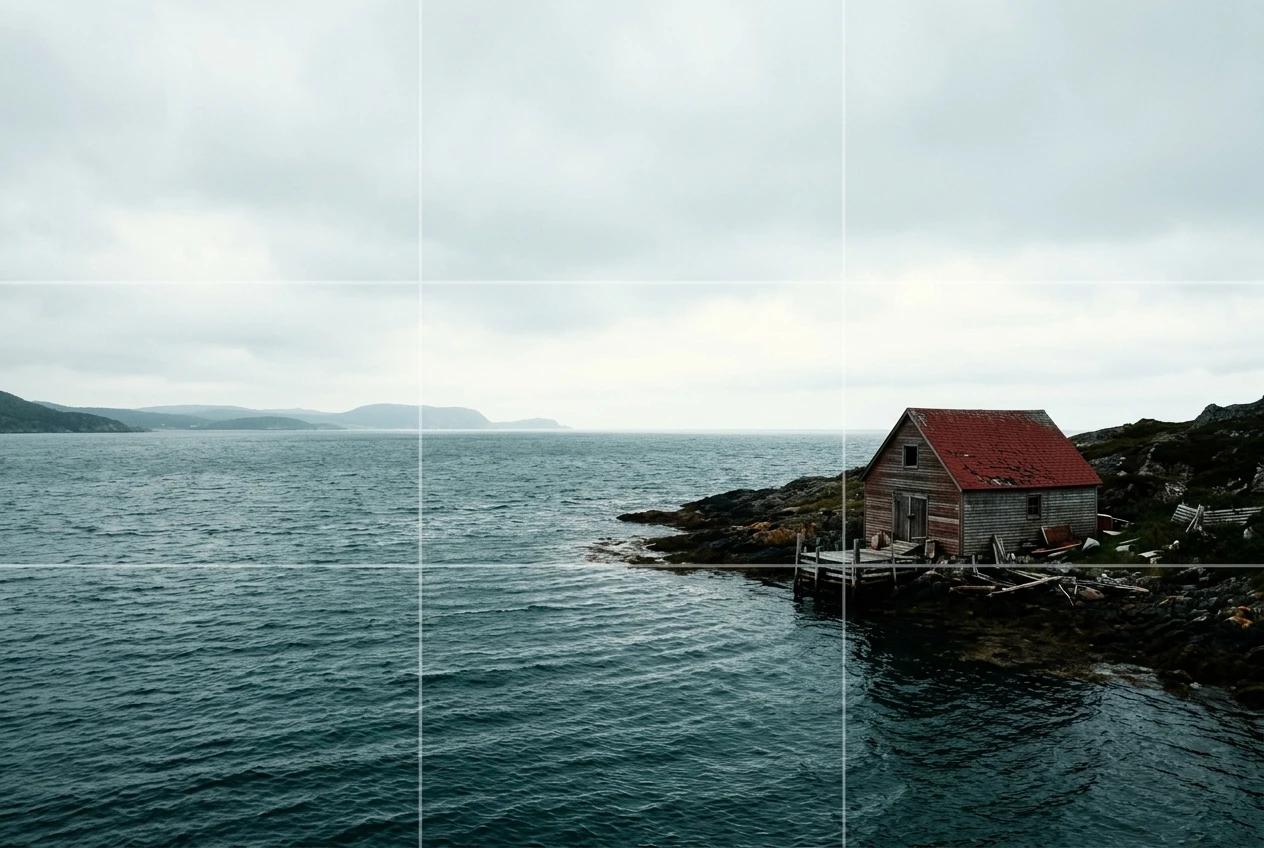
For prompt writing, you only need to decide four things:
- Which third the subject occupies: left, right, or (rarely) center.
- How high or low it sits: upper intersection or lower intersection.
- Where the horizon goes, if there is one: along the upper line or the lower line.
- What fills the remaining two thirds: sky, wall, water, fog, a second element.
Each of these becomes a short phrase in your prompt. The last one matters most, because the empty space is what stops the generator from pulling the subject back to the middle.
Placement words that move your subject: left third, right third, off-center
Specific position phrases tend to work better than the label “rule of thirds” alone. The label can get treated as a style tag, while a phrase that names a location tells the generator what to do. These are worth trying:
- “positioned on the left third of the frame”
- “subject on the right third of the image”
- “placed at the lower-left intersection of the rule of thirds grid”
- “off-center, shifted to the right”
- “occupying the right third, with the left two thirds empty”
Use “frame left” or “frame right” when direction could be confusing. “Her left side” refers to the subject’s own anatomy, while “left third of the frame” refers to the picture. Naming the frame removes the guesswork.
You can still include “rule of thirds composition” as a supporting phrase. Treat it as an extra, and let the explicit position phrase do the work.
Order matters: where to put composition cues in your prompt
In many image generators, words near the start of a prompt carry more weight than words buried at the end. A placement cue added after a long list of style terms, lighting terms and camera terms can be drowned out by everything before it.
A reliable order looks like this:
- Subject, in a few words.
- Placement, directly after the subject.
- Empty space or horizon, describing what fills the rest of the frame.
- Setting details.
- Lighting and mood.
- Style and medium.
Here is the same idea written two ways.
Weak order: Cinematic, moody, golden hour light, highly detailed, oil painting style, a lone hiker on a ridge, on the left third of the frame.
Stronger order: A lone hiker on a ridge, on the left third of the frame, open sky filling the right two thirds, golden hour light, moody, highly detailed, oil painting style.
The second version fixes the subject and its position before any style words arrive. If you already have a prompt format that works for you, keep it and move only the placement phrase up next to the subject. The guide to graphic prompts that turn any idea into art covers prompt structure more broadly.
Giving the empty space a job: negative space, horizon lines and leading looks
A subject placed on a third leaves a large part of the frame to describe. If you say nothing about that area, the generator may fill it with clutter or pull the subject back toward the middle. Give the space a job instead.
Negative space. Describe what the empty area contains, and keep it simple: “a plain gray wall,” “open sky,” “calm water,” “soft fog,” “dark shadow.” Phrases like “generous negative space on the right” tell the generator the emptiness is intentional.
Horizon lines. For landscapes and seascapes, state where the horizon sits. “Horizon along the lower third line, sky filling the upper two thirds” gives a big sky. “Horizon along the upper third line” gives a foreground-heavy image with more ground or water. Without this phrase, horizons often land halfway up the frame.
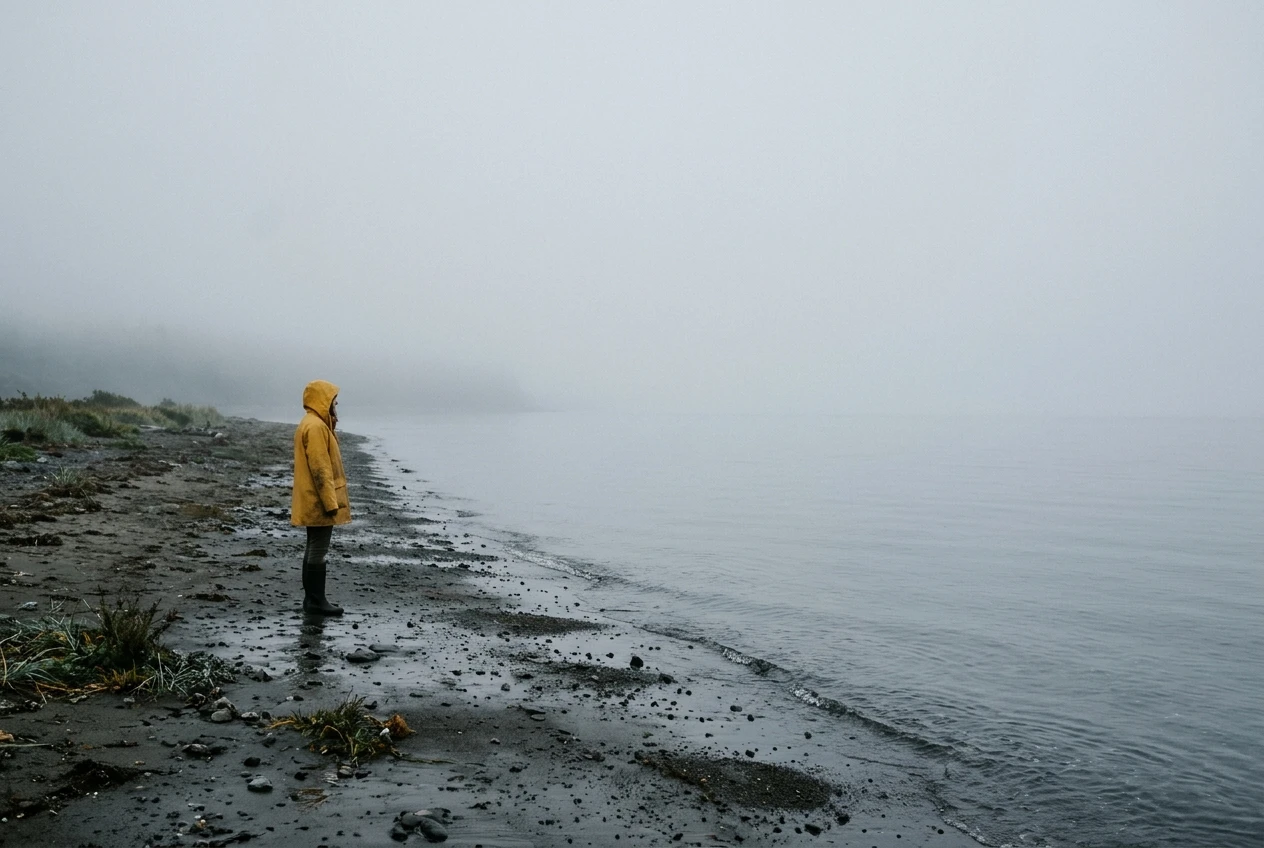
Leading looks. When your subject has a face or a front, point it toward the empty space. “Looking toward the empty right side of the frame” or “facing left, into the open space” makes the viewer’s eye travel across the image. A subject on the left third who looks off the left edge feels cramped, so aim the gaze inward.
The same idea applies to movement. A figure walking, a boat sailing or a car driving works better when it heads into the open area. Add “walking toward the open space” or “moving into the frame’s empty side.”
Three before and after prompts: portrait, landscape and character scene
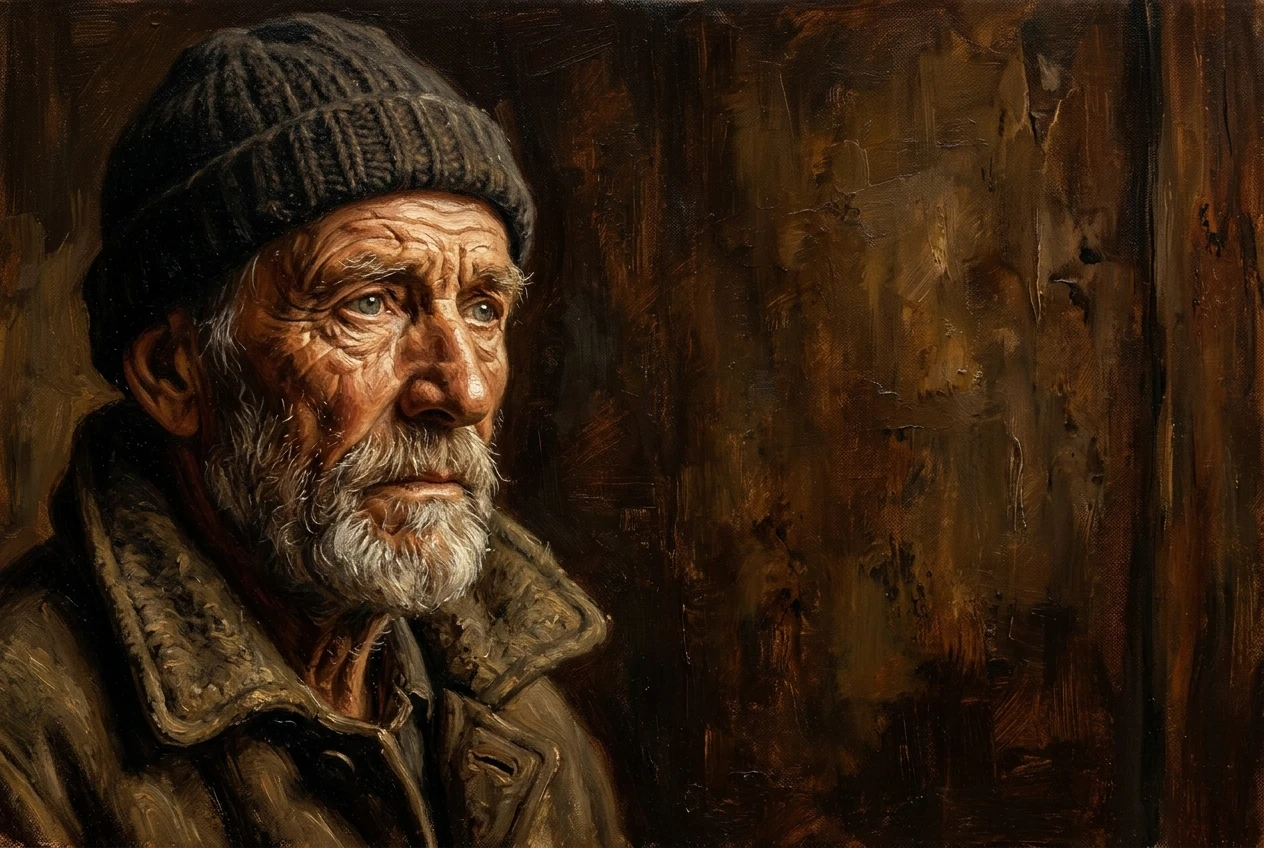
Copy these and adapt the subjects to your own work. Results vary from one generation to the next, so run each prompt a few times before judging it.
Portrait
Before: Portrait of an elderly fisherman with a weathered face, soft window light, oil painting style
After: Oil painting portrait of an elderly fisherman with a weathered face, positioned on the left third of the frame, eyes near the upper-left intersection, looking toward the right, a plain dark wall filling the right two thirds, soft window light
The after version names the third, the intersection, the gaze direction and the contents of the empty area. The before version gives the generator no placement information at all.
Landscape
Before: Misty mountain lake at sunrise with a small wooden cabin, photorealistic
After: Photorealistic misty mountain lake at sunrise, horizon along the lower third line, pale sky filling the upper two thirds, small wooden cabin on the right third of the frame near the lower-right intersection, calm water across the left foreground
Here the horizon and the cabin each get their own placement. The cabin sits on a third and the water balances it on the other side.
Character scene
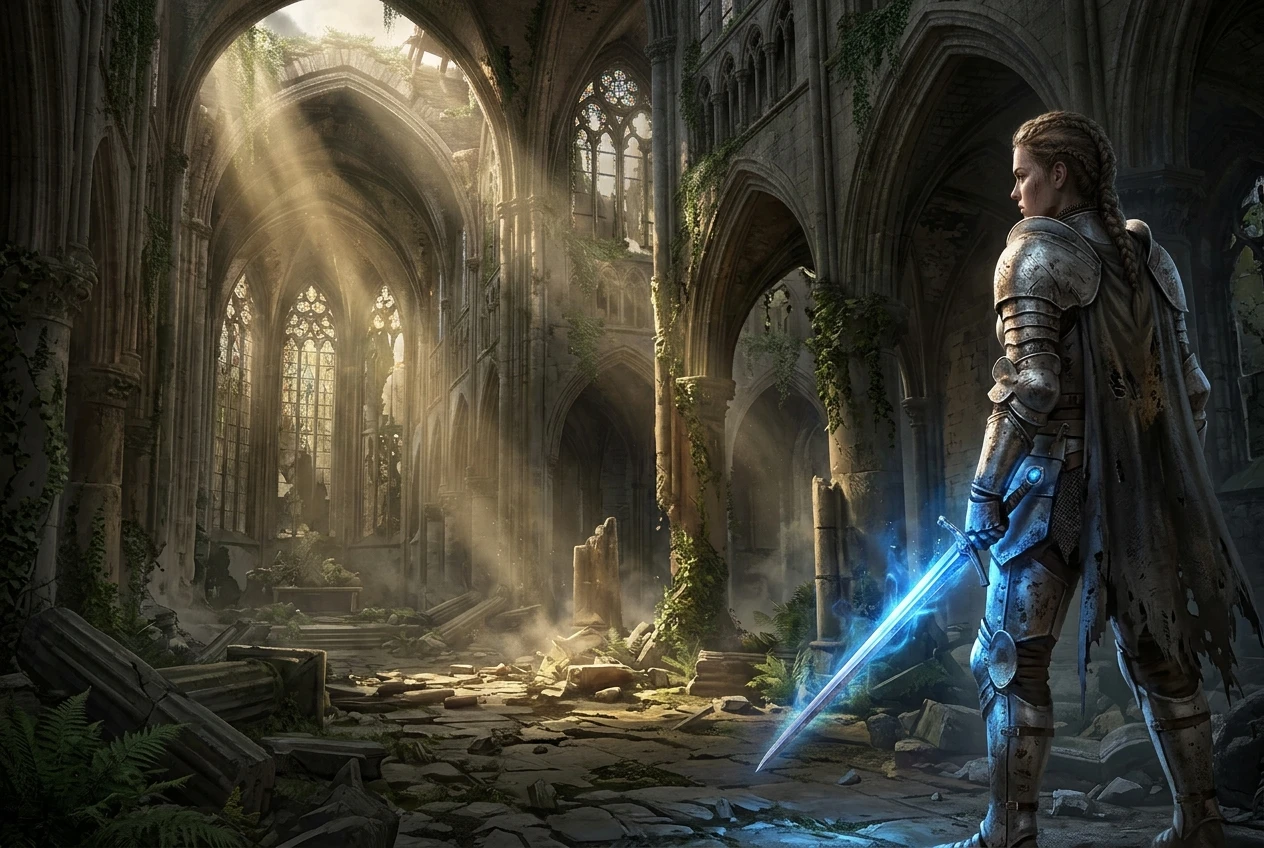
Before: Female knight with a glowing sword standing in a ruined cathedral, fantasy illustration
After: Fantasy illustration of a female knight holding a glowing sword, standing on the right third of the frame, full figure, facing left, ruined cathedral with broken arches and shafts of light filling the left two thirds
The knight faces the open space, and the cathedral takes up the area she looks into, so the setting gets room to show. If you are building a character-focused piece, turning a photo into a fantasy character pairs well with these placement cues.
When the subject still drifts to the middle and how to nudge it back
Sometimes a prompt with a clear placement phrase still returns a centered subject. Work through these fixes in order:
- Remove centering words. Check for “portrait of,” “symmetrical,” “centered,” “front view,” “looking at the viewer,” “close-up,” “emblem” and “poster.” Delete or replace them, for example with “figure” or “seen from a three-quarter angle.”
- Move the placement phrase earlier. Put it right after the subject, before any setting or style words.
- Shorten the subject description. A very long description of the subject’s clothing, face and props can make the subject dominate the frame. Trim it to the essentials.
- Describe a second element on the opposite third. A lantern, a tree, a window or a distant building on the other side gives the generator a reason to spread the composition out.
- Say what is in the empty area. “The left two thirds are empty” works better when followed by “just gray fog.”
- Try a wider frame. If your settings let you choose a wider aspect ratio, it leaves more room beside the subject.
- Use an exclusion field if you have one. If your settings include a field for things to avoid, “centered subject” and “symmetrical composition” are candidates to enter there.
- Generate several versions. One run can miss where the next one hits. Pick the closest and refine its wording.
If one image is nearly right except for placement, crop it. Cropping in from one side moves the subject onto a third without regenerating anything, though you lose some resolution.
Your next step: re-run one of your centered images in kre8or.ai
Look through your recent generations and find one with a subject sitting dead center. Pick one of your own centered images, rewrite the prompt with a thirds placement cue from this guide, and generate the new version in kre8or.ai to see the difference side by side. Put the placement phrase right after the subject, give the empty area a simple description, and point the subject’s gaze or movement into the open space.
Keep the original prompt next to the new one. Comparing the two shows which words changed the composition, and that makes the next prompt you write easier.